Cat5e vs Cat6 for CCTV: which do you need?
Compare Cat5e and Cat6 for IP CCTV, including 4K cameras, PoE, cable distance, outdoor routes and when existing wiring can stay.
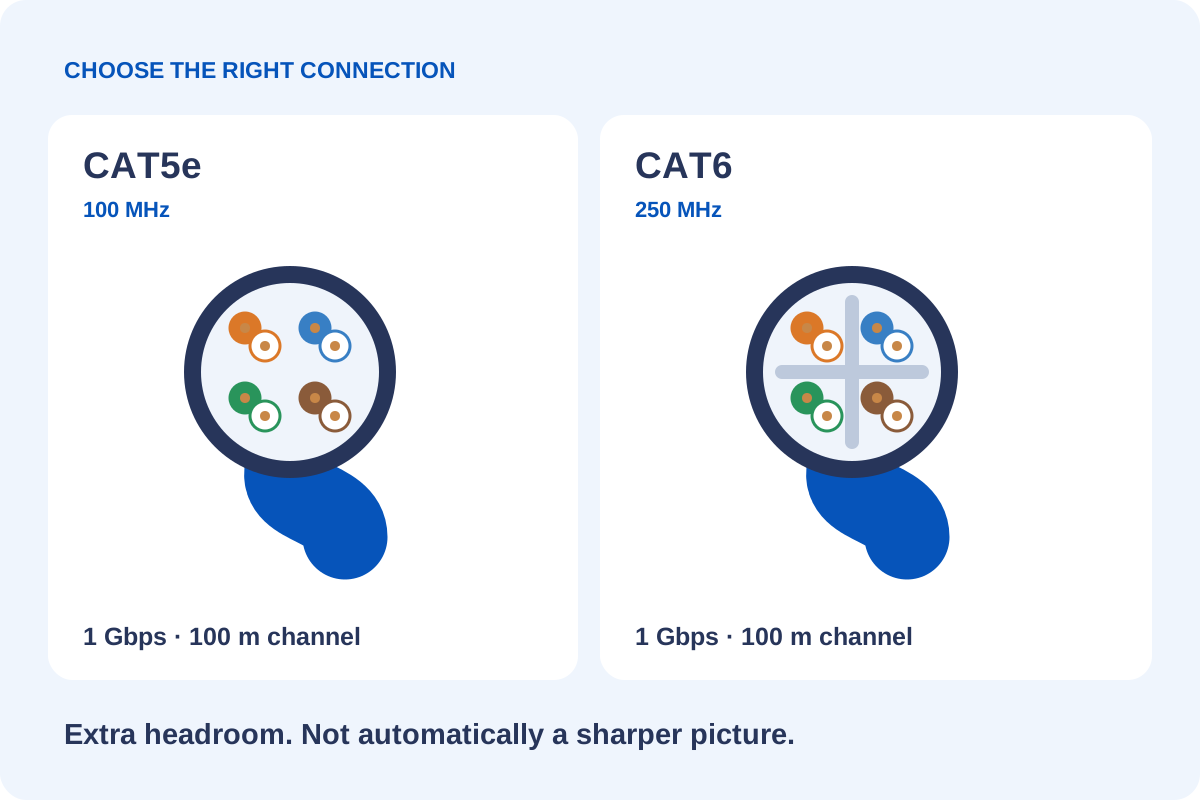
Good-quality copper Cat5e is suitable for many home and small-business IP camera links. Cat6 offers more network headroom and can make sense for new wiring or a wider network upgrade. Choose for the equipment, route and future use—not an expectation of sharper pictures.
What is the difference between Cat5e and Cat6?
Both are Ethernet cables containing four twisted pairs of wires. They carry data between IP cameras and network equipment, and can also carry power when used with compatible Power over Ethernet equipment.
Cat6 has stricter performance requirements, including better control of interference between pairs, known as crosstalk.
| Feature | Cat5e | Cat6 |
|---|---|---|
| Gigabit Ethernet | Supports 1 Gbps over a compliant 100 m channel | Supports 1 Gbps over a compliant 100 m channel |
| Specified frequency | 100 MHz | 250 MHz |
| 10 Gigabit Ethernet | Not the standard choice | Possible over shorter distances, subject to installation conditions |
| Cable construction | Often thinner and easier to handle | Often thicker, with greater separation between pairs |
| Typical CCTV use | Suitable for many individual camera connections | Suitable for camera connections and installations needing more network headroom |
The frequency rating is not the same as the camera’s recording frame rate or the speed of your internet connection. Cat6’s higher rating does not mean your CCTV picture will automatically improve.
Is Cat5e enough for 4K CCTV cameras?
A 4K camera does not automatically require Cat6.
The camera sends compressed video across the network. Its required bandwidth depends on its bitrate, compression settings, frame rate and scene activity—not simply the resolution printed on the box.
For example, a camera configured to transmit at 12 Mbps uses a small proportion of a Gigabit connection’s capacity. This is an illustration, rather than a suggested bitrate for every 4K camera.
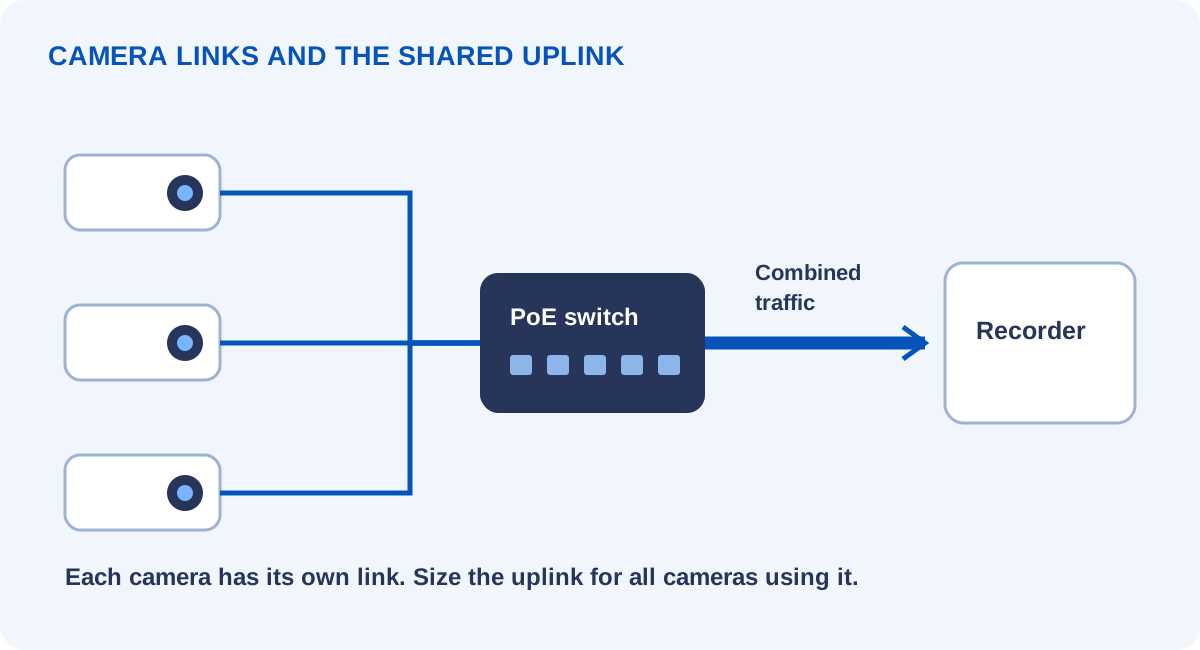
It is also important to distinguish an individual camera cable from a shared network connection. Each camera may have its own cable to a switch, while the switch’s connection to the recorder carries traffic from several cameras together. That shared connection needs to be sized for the combined traffic.
Check the actual camera port speed too: an individual camera may use a 100 Mbps interface. A Gigabit-capable cable does not change that interface’s speed.
Explore how bitrate affects recording requirements in our CCTV storage calculator.
Will Cat6 give me a clearer picture?
Changing a correctly working Cat5e connection to Cat6 will not, by itself, sharpen the image.
Picture quality mainly depends on the camera, lens, lighting, positioning and recording settings. Network problems can cause dropped connections, interrupted video or missing recordings, but a higher cable category does not add detail to the image.
If night footage looks poor, check lighting, infrared reflections, lens cleanliness and camera settings before assuming the cable needs replacing.
For poor night images, see why CCTV can be clear by day but blurry at night.
What about Power over Ethernet?
Power over Ethernet, usually called PoE, allows compatible equipment to supply power and data through the same cable.
Both Cat5e and Cat6 can support PoE when the cable and installation meet the requirements of the equipment. Cat6 is often available with larger copper conductors, which can help reduce electrical resistance, but the category label alone does not tell you how well a cable will deliver power.
Cable length, conductor size, temperature, connections and the camera’s maximum power demand all matter. PTZ cameras, heaters and powerful infrared illuminators may require more power than a small fixed camera. The switch must support the required PoE standard and have sufficient total power available.
Choose copper rather than CCA
One of the most important checks is the conductor material.
CCA means copper-clad aluminium: aluminium conductors with a thin copper coating. It has higher resistance than equivalent copper cable, making it a poor choice for powering CCTV cameras.
For permanent CCTV wiring, specify suitable solid copper installation cable. Factory-made patch leads may use stranded copper for flexibility.
A genuine copper Cat5e cable is a better choice for PoE CCTV than a cable sold as Cat6 that uses CCA conductors. Always check the specification rather than relying on the category printed on the packaging.
Fluke Networks’ CCA guidance explains why increased resistance is a particular concern for PoE.
How far can the cable run?
For standard Gigabit Ethernet, both Cat5e and Cat6 support a 100-metre channel. In a typical structured cabling installation, this comprises up to 90 metres of permanent cable plus patch leads.
Choosing Cat6 does not automatically extend that distance. Temperature, PoE requirements and cable construction also need consideration.
If a camera is farther away, the solution may involve fibre, an intermediate switch or a purpose-designed Ethernet extender. These options need to be designed around both data transmission and power delivery.
Between separate buildings, assess electrical isolation and surge exposure as part of the design. Fibre can carry data without an electrical connection between buildings, but it does not deliver PoE to the camera.
Does outdoor CCTV need different cable?
Yes. Cable category and environmental suitability are separate things.
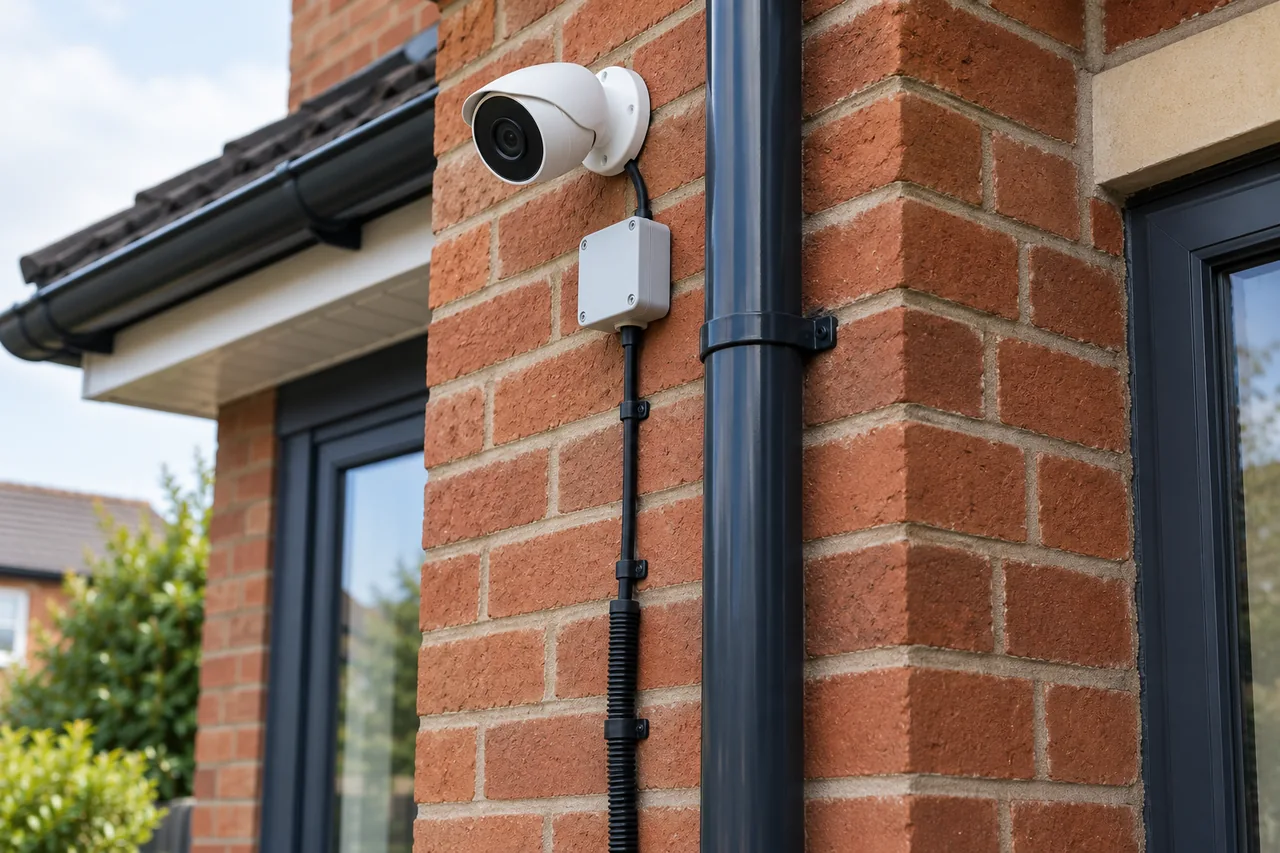
An indoor Cat6 cable is not automatically suitable for an outside wall. Outdoor routes need cable designed for the expected sunlight, moisture and temperature exposure. Underground routes require a suitable cable and installation method.
The camera connection also needs proper weather protection. A suitable cable cannot prevent water entering an incorrectly assembled connector.
Shielding and surge protection should follow the equipment manufacturer’s instructions and the site design. Shielded cable needs compatible connections and an appropriate grounding arrangement to work as intended.
Read our CCTV cable routing and protection guide for the practical installation details.
Should you replace existing Cat5e?
There is usually little benefit in replacing sound, suitable copper Cat5e simply because new cameras are being installed.
First, establish whether the existing cables are appropriate for the route, correctly terminated and capable of supporting the proposed equipment. A basic continuity tester checks wiring connections; it does not prove the cable meets its category’s performance requirements.
Replacement becomes more sensible where cables are damaged, unsuitable for outdoor use, made from CCA, or unable to meet the system’s requirements.
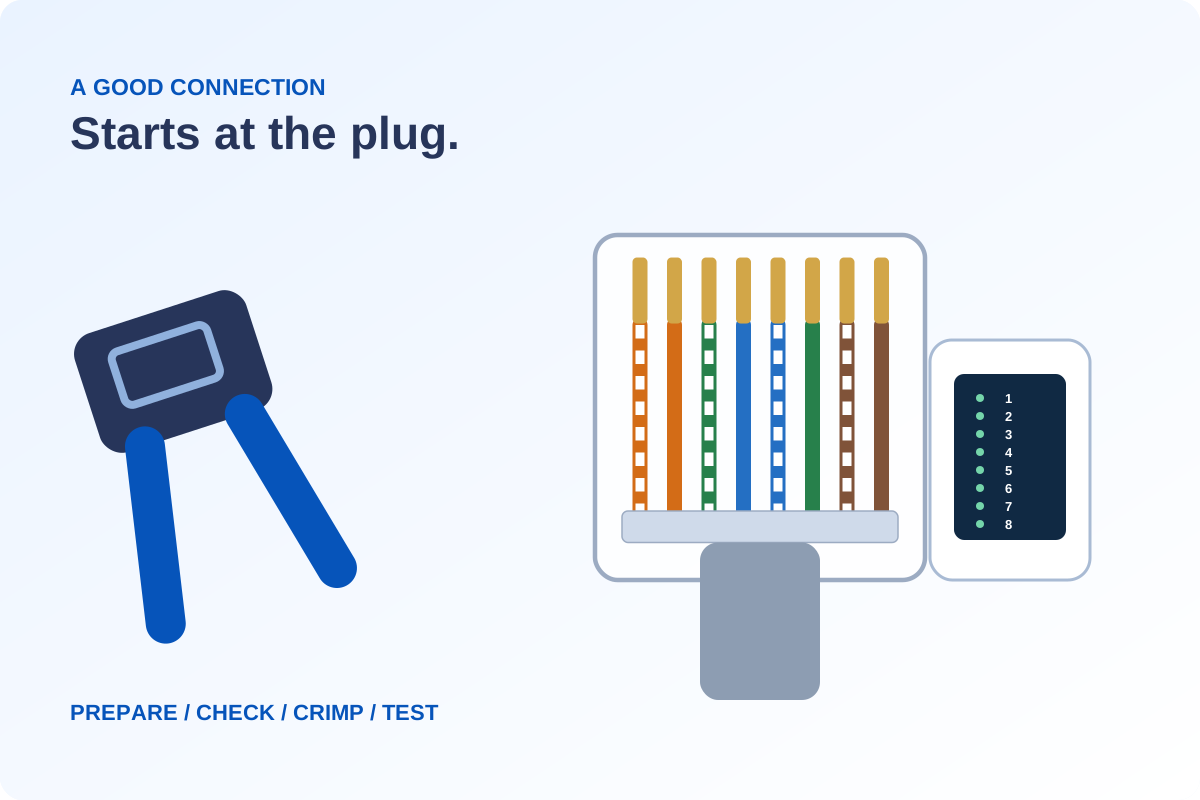
Terminations need compatible plugs as well as the right wire order. Our illustrated Cat5e crimping guide covers the preparation and checks.
Which would we choose?
For a straightforward home CCTV installation, quality copper Cat5e can be a practical, reliable choice.
For a new property, major refurbishment or combined CCTV and network installation, Cat6 is often worth considering while cable routes are accessible. If the project specifically needs 10 Gigabit Ethernet over a full 100-metre channel, Cat6A is the more appropriate specification.
The best result comes from matching the cable to the job, using compatible connectors and installing and testing it properly.
Technical references
Compare the complete cable, connectors and installation, rather than a category label alone. References: Fluke Networks’ Ethernet cabling comparison, its copper-clad aluminium application note, and Belden’s Category 6A cabling information. For a particular camera, use its installation manual and PoE requirements.
Discuss your own property. WESEC is based in Aylesbury and covers surrounding areas, including Milton Keynes and Tring, subject to postcode confirmation. Check our service areas.