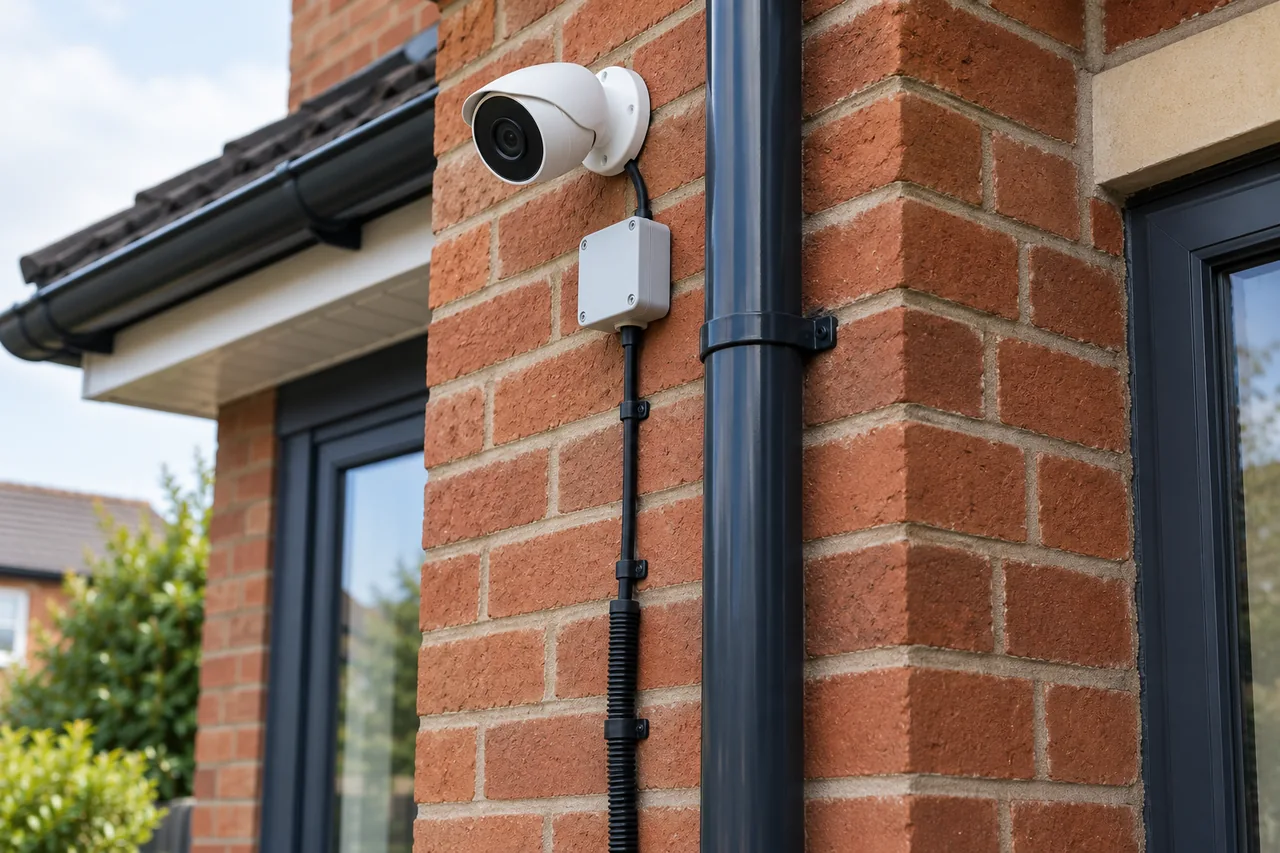
How to crimp Cat5e with pass-through RJ45 plugs
An illustrated, eight-step guide to preparing the cable, checking T568A or T568B wire order, crimping and testing the finished connection.
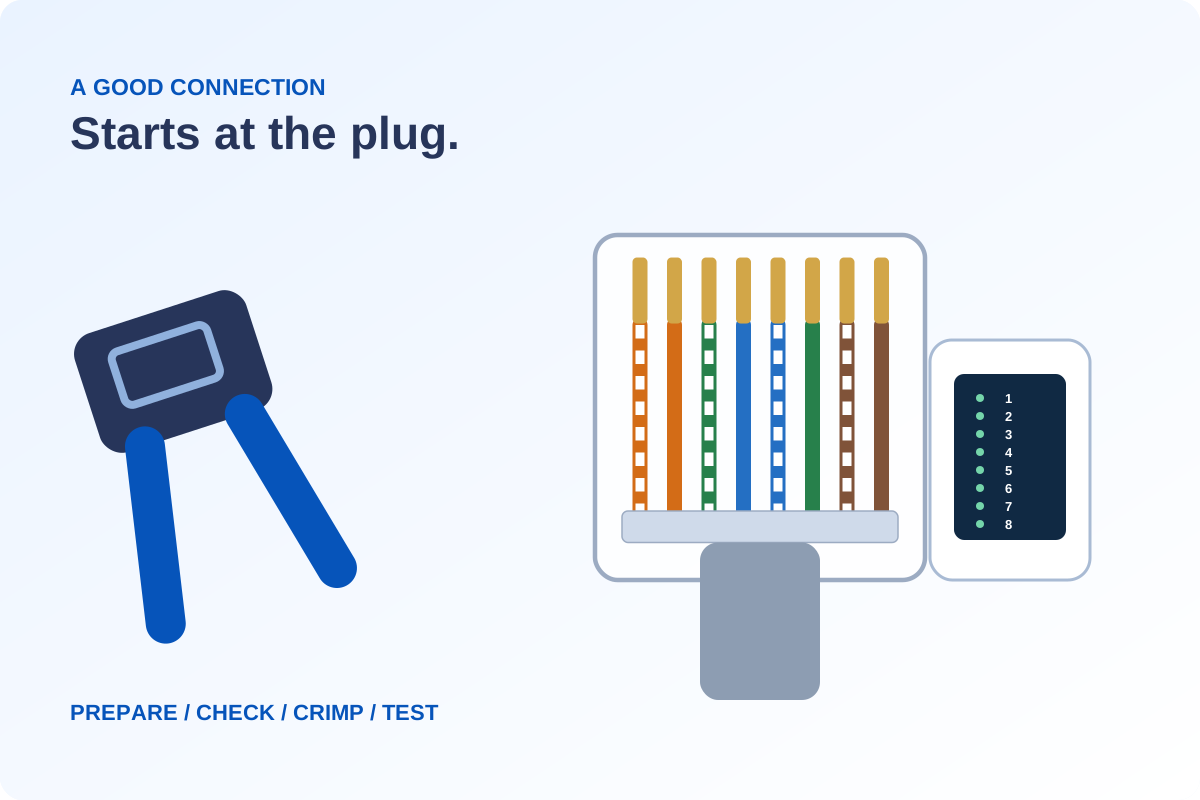
Match the plug to the cable, check all eight conductors before crimping, grip the outer jacket and trim the wire ends flush with the correct tool. Always test the finished lead before putting it into service.
Before you start
For unshielded Cat5e cable with compatible pass-through plugs. Disconnect both ends from equipment and PoE before cutting or testing.
Jacket stripper · cable cutters · matching pass-through RJ45 plugs · compatible flush-cut crimper · cable tester
Check the plug’s cable category, conductor gauge, insulation diameter and solid/stranded compatibility. Shielded, Cat6 and Cat6A connectors can need a different preparation method.
Get the wire order right
Read from pin 1 to pin 8 with the contacts up, clip underneath and nose pointing away. The numbers and labels matter as well as the colours.
T568B
- 1White/orange
- 2Orange
- 3White/green
- 4Blue
- 5White/blue
- 6Green
- 7White/brown
- 8Brown
Using T568A? Show its pin order
T568A
- 1White/green
- 2Green
- 3White/orange
- 4Blue
- 5White/blue
- 6Orange
- 7White/brown
- 8Brown
Match an existing installation’s scheme. Mixing A and B makes a crossover lead, rather than the straight-through lead described here.
Make the connection: eight steps
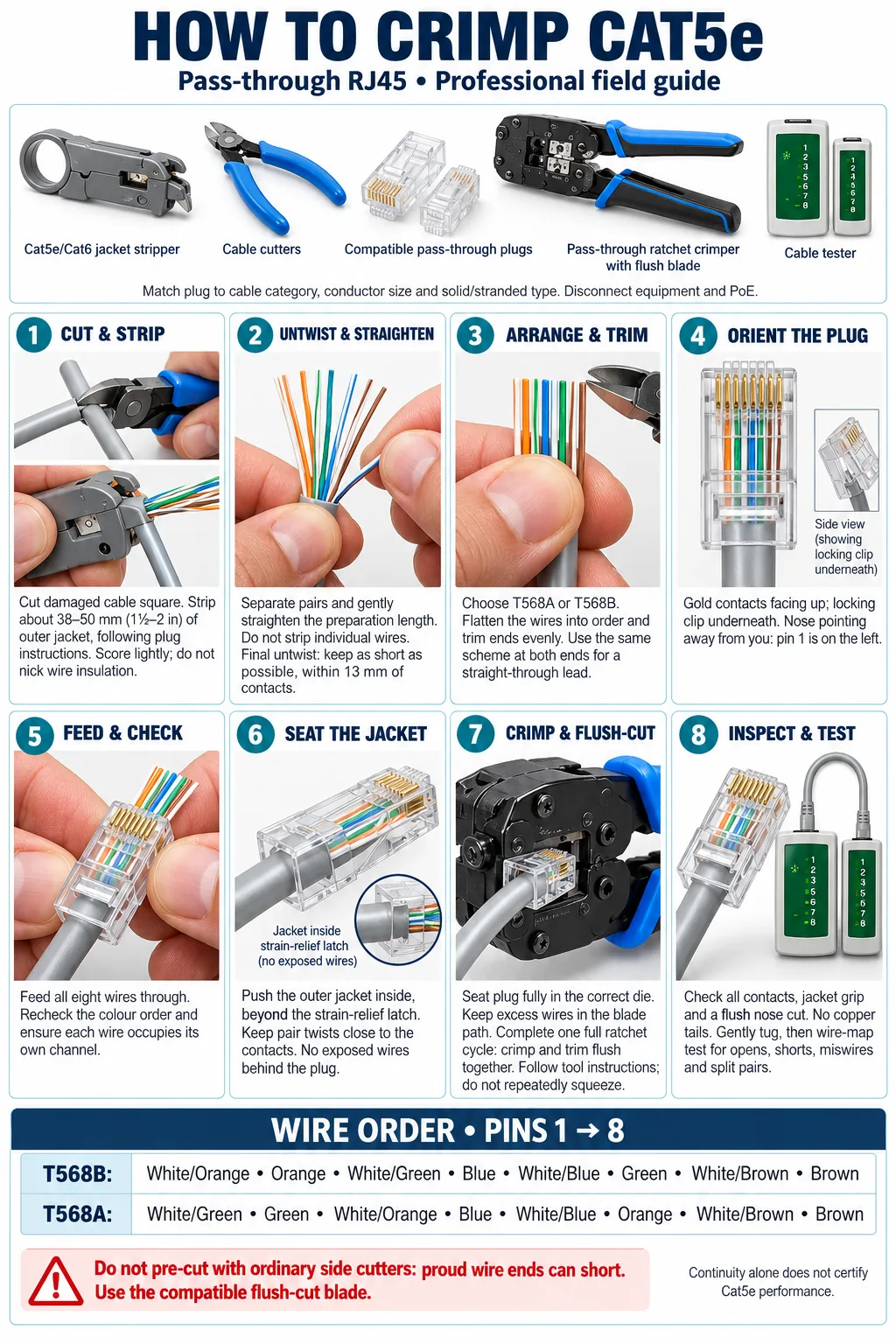
Cut & strip
Cut off damage and make a square end. Remove the jacket to the plug maker’s preparation length—often about 38–50 mm. Do not nick the insulated conductors.
Untwist & straighten
Open the pairs only as far as needed. Leave each wire insulated and keep the final untwisted length as short as the connector allows.
Arrange & trim
Choose T568A or T568B, then arrange and trim the ends evenly for insertion. Use the same scheme at both ends for a straight-through lead.
Orient the plug
For the pin chart in this guide: gold contacts face up, the clip is underneath and the nose points away from you. Pin 1 is on your left.
Feed & check
Feed all eight wires through their individual channels. Check the colour order again through the clear body, with no crossed or missing conductors.
Seat the jacket
Push the outer jacket under the plug’s strain-relief grip. It must hold the jacket, rather than leave loose individual wires behind the connector.
Crimp & flush-cut
Seat the plug in its compatible pass-through crimper. Complete the specified crimp cycle and flush-cut the protruding ends using the matching blade. Inspect for copper tails.
Inspect & test
Check contacts, jacket grip and the cut face; gently check the termination is secure. Test the wire map before reconnecting equipment. Replace a failed termination and retest.
A pass light is only the first check
Before you reconnect
- All eight wires are in order and the contacts are seated.
- The jacket is held firmly and no copper ends protrude from the nose.
- The wire-map test passes, with no opens, shorts or miswires.
A simple LED continuity tester may miss split pairs. Use a tester that explicitly supports split-pair detection where required. Continuity alone does not certify Cat5e performance or prove that a link will carry PoE reliably.
Do not leave proud wire ends cut with ordinary side cutters. Use the connector’s specified flush-cut tool. Keep outdoor CCTV terminations in suitable weather protection; the plug itself is not a weatherproof joint.
For the wider installation, see our guide to routing and protecting CCTV cables.
Instructions & further reading
Always follow the instructions supplied with your exact plug and tool. Technical checks: Klein Tools pass-through crimper instructions (PDF), trueCABLE’s T568A/T568B reference and Fluke Networks wire-map and split-pair testing information.
Discuss your own property. WESEC is based in Aylesbury and covers surrounding areas, including Milton Keynes and Tring, subject to postcode confirmation. Check our service areas.