A small number of doors with simple needs
Standalone Door Control
A locally administered reader can be suitable for straightforward access. We explain how credentials are enrolled and removed, and what administration is required at each door.
Manage access to your workplace or shared building without relying only on copied keys. WESEC plans and installs door access systems around your users, opening hours and the way each door needs to operate.
For small businesses, offices, managed properties and organisations that need practical control over staff, visitors and restricted areas.
Based in Aylesbury. Covering Milton Keynes, Tring and surrounding areas, subject to postcode confirmation. Check coverage.
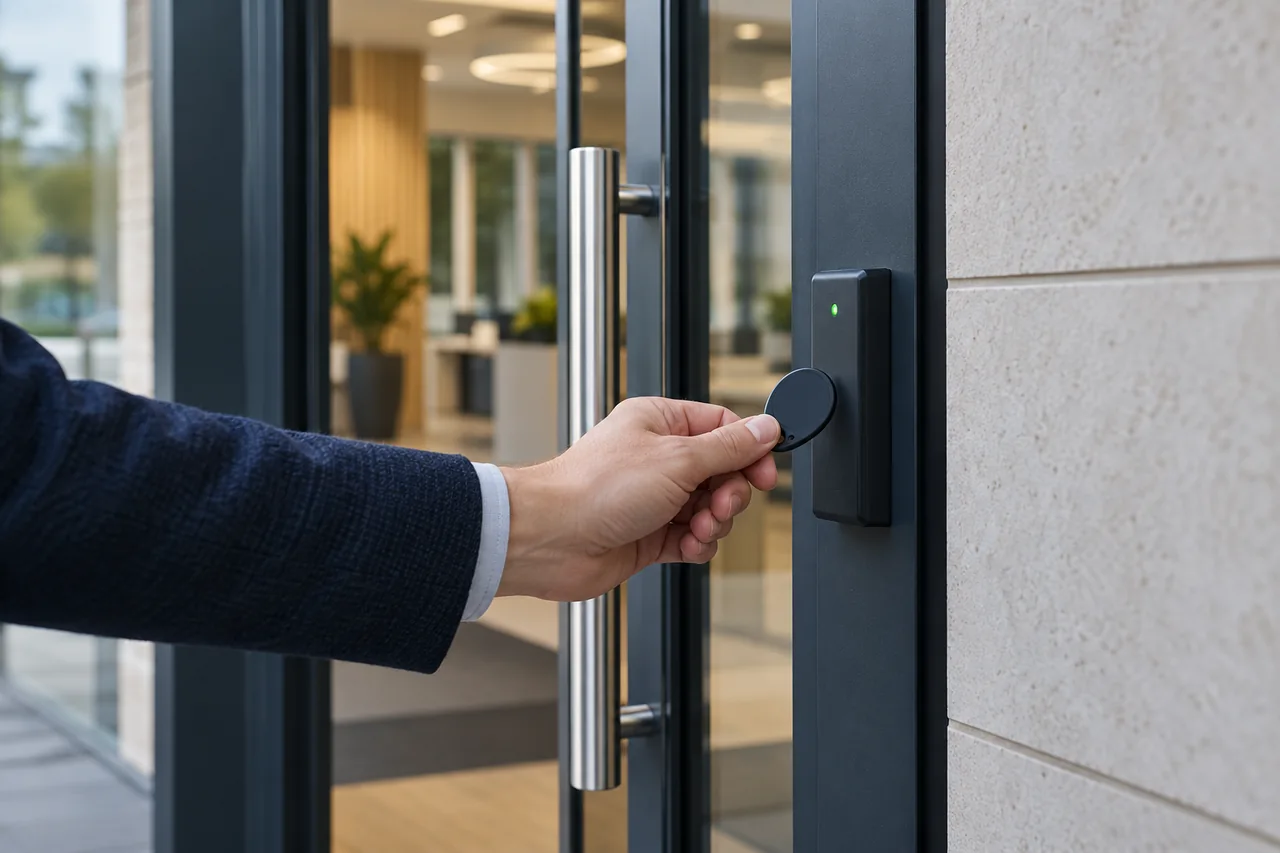
Start with who needs to enter, which doors they should use and who will administer the system. A simple system can be appropriate for a small site; central administration becomes more useful as people and doors increase.
Explore the System OverviewAgree the scope before work starts. Your proposal should identify the doors, locking hardware, credentials, management method, power and backup requirements, exit arrangements and any integration. We review how a door behaves on power loss and during an emergency as part of the design.
Agree who needs access, opening hours, restricted areas and who will manage credentials after handover.
Assess the leaf, frame, closer, existing lock, cable routes and power. Coordinate escape and fire-related requirements with the responsible parties before specifying changes.
Fit the agreed readers, controllers and locking equipment, then configure access permissions, schedules and integrations included in the scope.
Test authorised and denied access, normal exit, agreed release functions and the specified power-loss behaviour. Show the administrator how to add users and remove lost credentials.
An office might need all staff to enter the main door during working hours, while only a smaller group can open the stockroom. Individual fobs and suitable management software can make those permissions easier to maintain than a shared key or PIN.
Illustrative design scenario, not a claim about a completed WESEC installation. The hardware, permissions and emergency arrangements would need a site-specific assessment.
Explore Business SecurityA reader cannot correct a door that will not close reliably. Lock selection, door alignment, release hardware and power arrangements affect whether the installation is practical and safe to use.
Paxton’s Net2 documentation illustrates how a compatible centrally managed system can handle access permissions and lost tokens. These functions depend on the chosen product; they are not universal features of every fob reader.
Explore Paxton Net2 capabilitiesAccess control support can include checking door operation, reader response, locking and release functions, power supplies and administration. Keep an up-to-date credential list and remove access promptly when someone leaves.
We explain the installed equipment, the checks you can carry out and when to ask for support. Ongoing maintenance is available for suitable systems within our coverage area.
Explore Maintenance & ServiceOn a suitable managed system, an individual credential can be removed or barred without changing everyone else’s credential. Standalone systems have different administration methods, so we explain the procedure for the system specified.
Supported systems can apply access levels and time schedules. We define the permissions you need first, then select a system that can support them.
That depends on the lock, controller, backup power and release design. We agree the required behaviour for each door and test the specified arrangement. There is no single answer that is suitable for every entrance.
Often, subject to the door condition, hardware, cabling and compatibility. Shared entrances may also need approval and coordination with the building owner or managing agent.
Send your postcode, the number and type of doors, approximate user numbers and how you currently control entry. A photo of each door and any existing reader is useful if available.
We confirm coverage, discuss the requirement and agree any survey or next step before work is arranged. The quotation sets out the proposed equipment and installation scope for you to review.
Prefer to speak? Call 01296 201296. You do not need to choose equipment before contacting us.