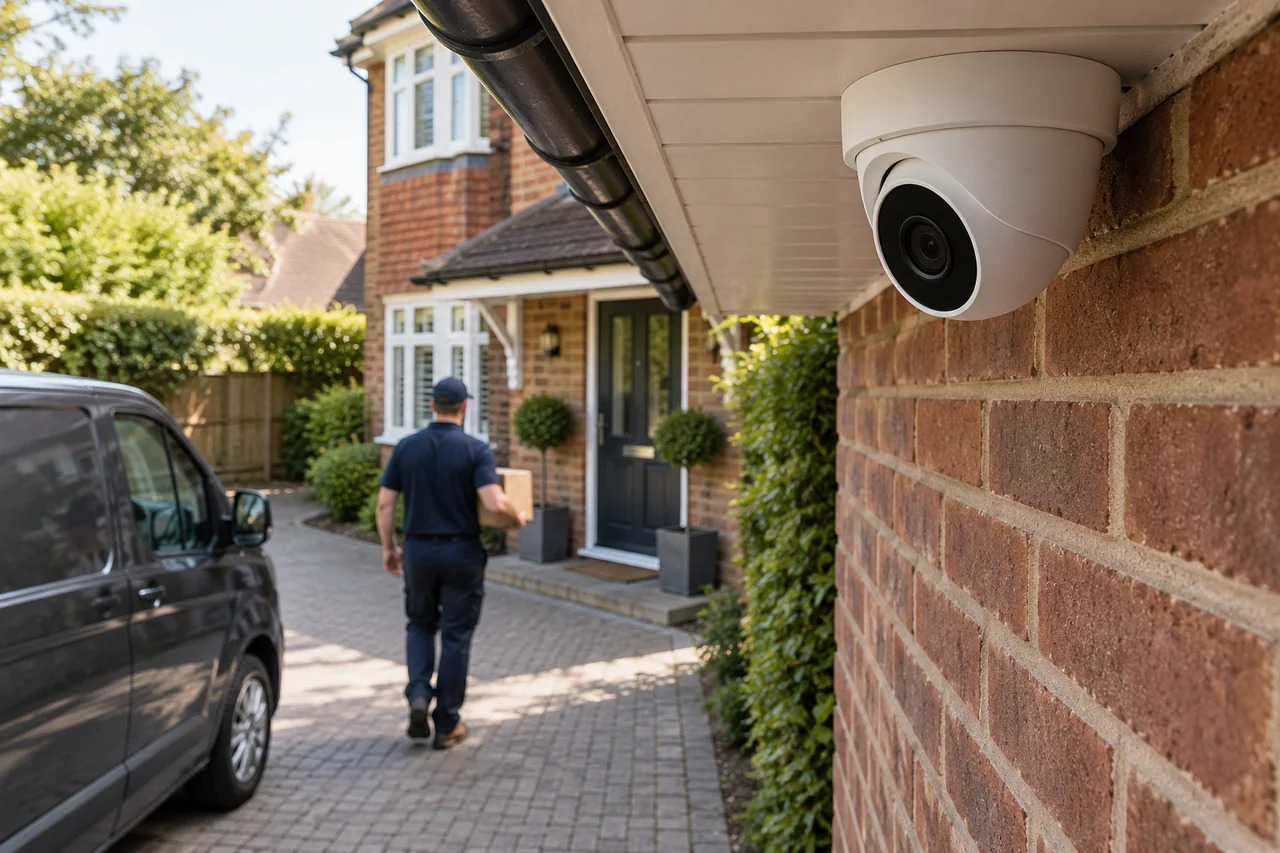
Why is my CCTV clear during the day but blurry at night?
Distinguish movement blur, infrared reflections, focus and low-light noise before replacing the camera.
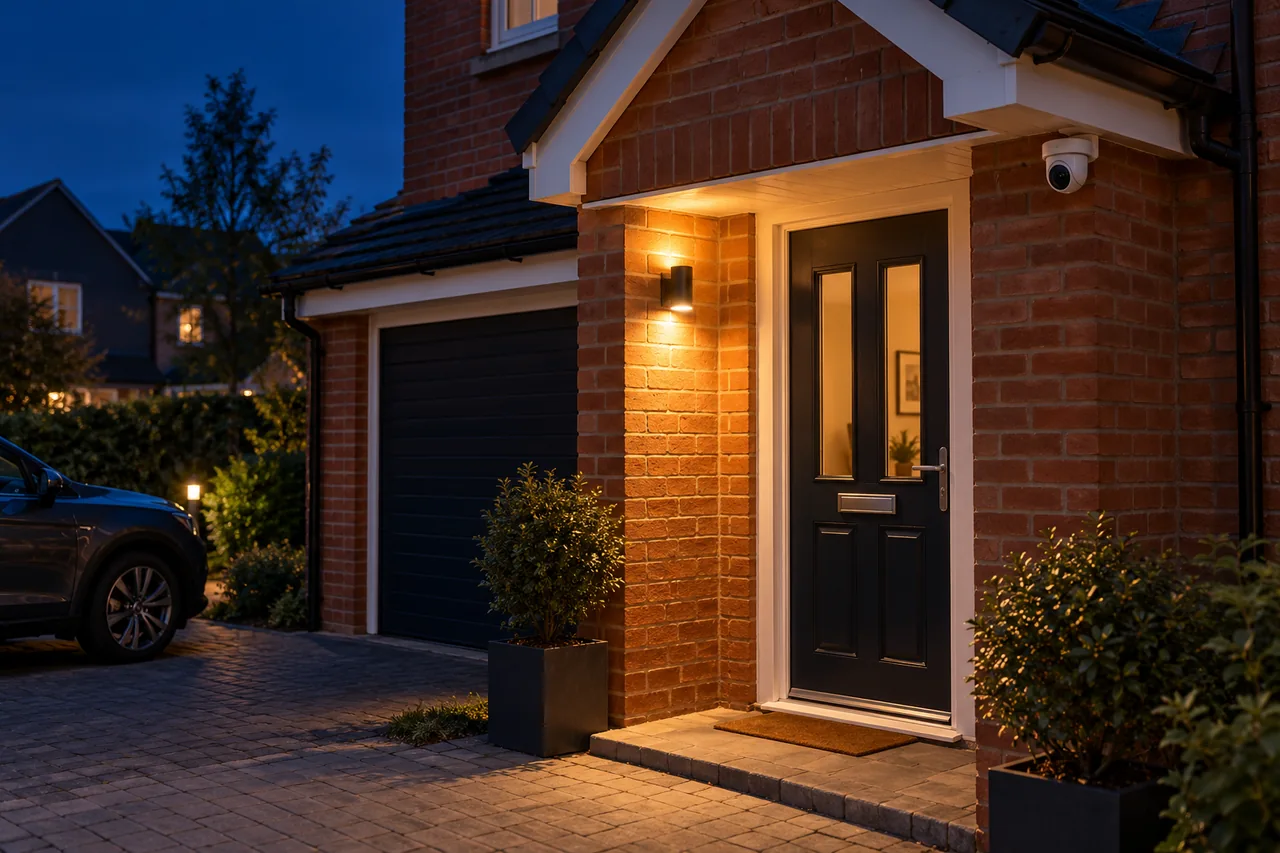
A clear daytime picture does not guarantee useful night footage. Low light can increase motion blur or noise, while nearby surfaces, dirt, webs and water can reflect infrared illumination. Compare a still scene with a moving person to help identify the problem.
Describe what “blurry” looks like
If the empty driveway looks sharp but someone walking through it becomes a smear, movement blur is a strong possibility. If the whole image looks foggy, washed out or haloed, reflections, contamination or focus need checking. A grainy picture is a different symptom again.
Save a short example and note the time and conditions. A phone screenshot can help explain the issue, but original recorded footage is more useful for checking movement and image settings.
Why more brightness can mean less useful detail
In low light, a camera may use a longer exposure to gather more light. That can brighten a still scene while smearing a moving subject. Increasing processing or noise reduction can introduce other trade-offs.
Axis explains the relationship between shutter time, motion blur, noise and lighting in its camera documentation. The useful setting depends on the camera and the task; copying another model’s shutter value is not a universal fix.
Ask whether the scene needs a better light source, a different angle or a different camera capability. Megapixel count alone does not solve poor lighting.
Check what is close to the lens
Infrared illumination can bounce back from walls, soffits, glass or a dirty dome. Webs, water droplets and vegetation close to the camera can become disproportionately bright. A camera looking through a window can therefore work by day and become difficult to use at night.
Inspect from a safe, accessible position. Where cleaning is appropriate, follow the equipment manufacturer’s method and avoid abrasive materials. A recurring reflection may need a positioning or illumination change rather than more frequent cleaning alone.
Test the person, not just the empty scene
Review someone approaching at the distance and direction you need to cover. A broad overview and an entrance identification view have different requirements. Bright headlights, a porch light behind a visitor and deep shadow can also affect the result.
Changing exposure to improve one view can make another part too dark. Check the whole task after an adjustment, and compare saved recordings rather than relying only on a live preview.
When a service visit is useful
Ask for an assessment if the camera is inaccessible, the image repeatedly degrades or changes to settings have not produced a useful result. Include example footage from day and night, the camera location and whether only moving objects are unclear.
CCTV servicing can investigate settings, illumination, contamination and mounting. If a different position is needed, our guide to camera placement around a house explains the design questions to consider.
Discuss your own property. WESEC is based in Aylesbury and covers surrounding areas, including Milton Keynes and Tring, subject to postcode confirmation. Check our service areas.