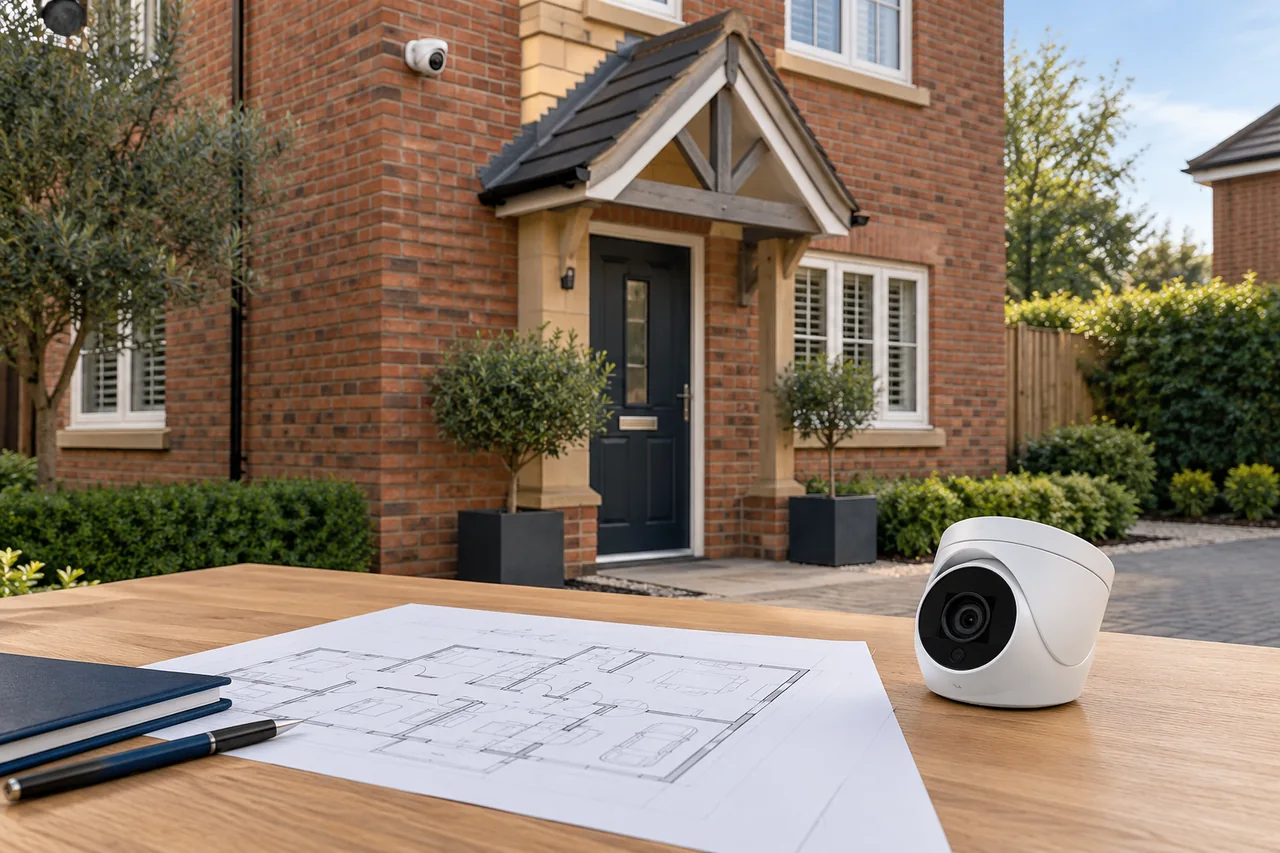
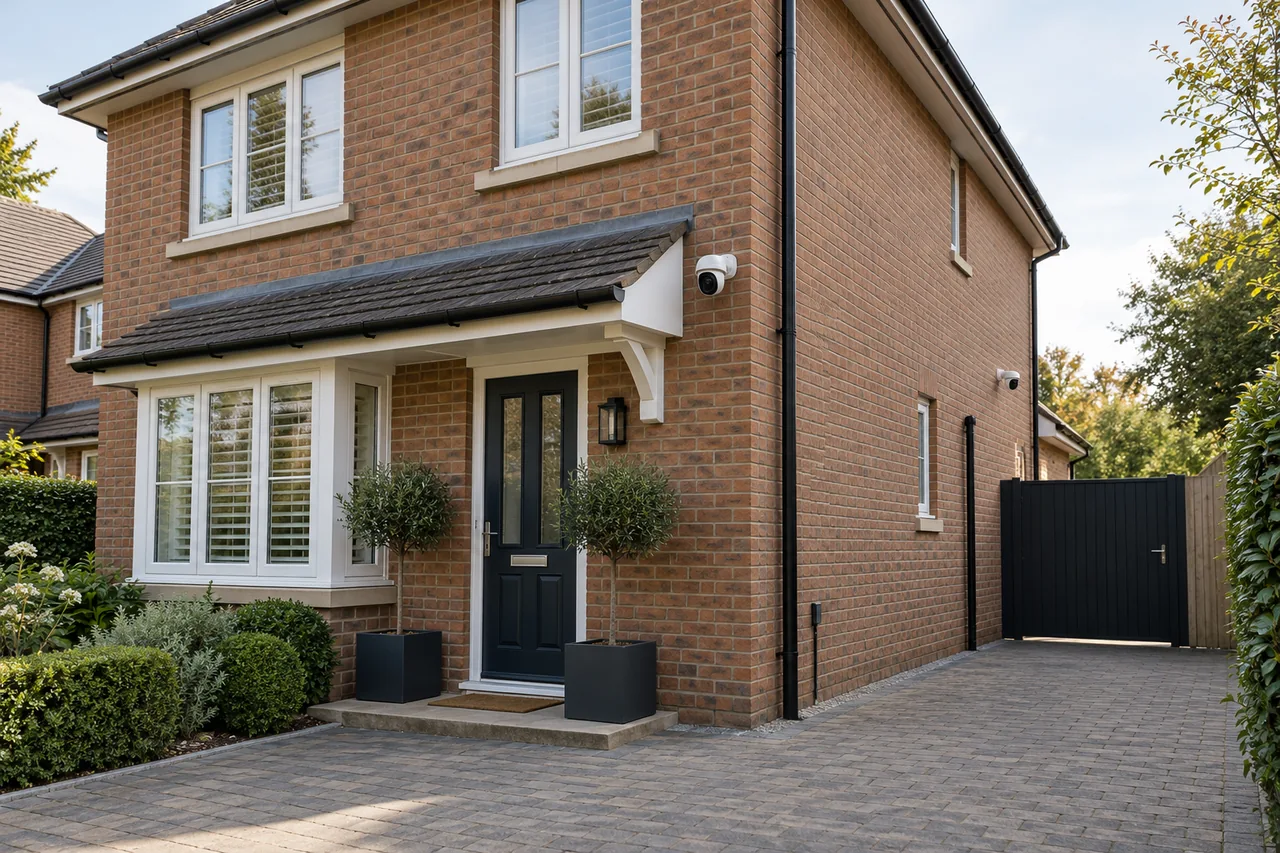
Wired, wireless or solar CCTV—which should you choose?
Separate the data connection from the power supply, then compare recording, reliability and the upkeep each option needs.
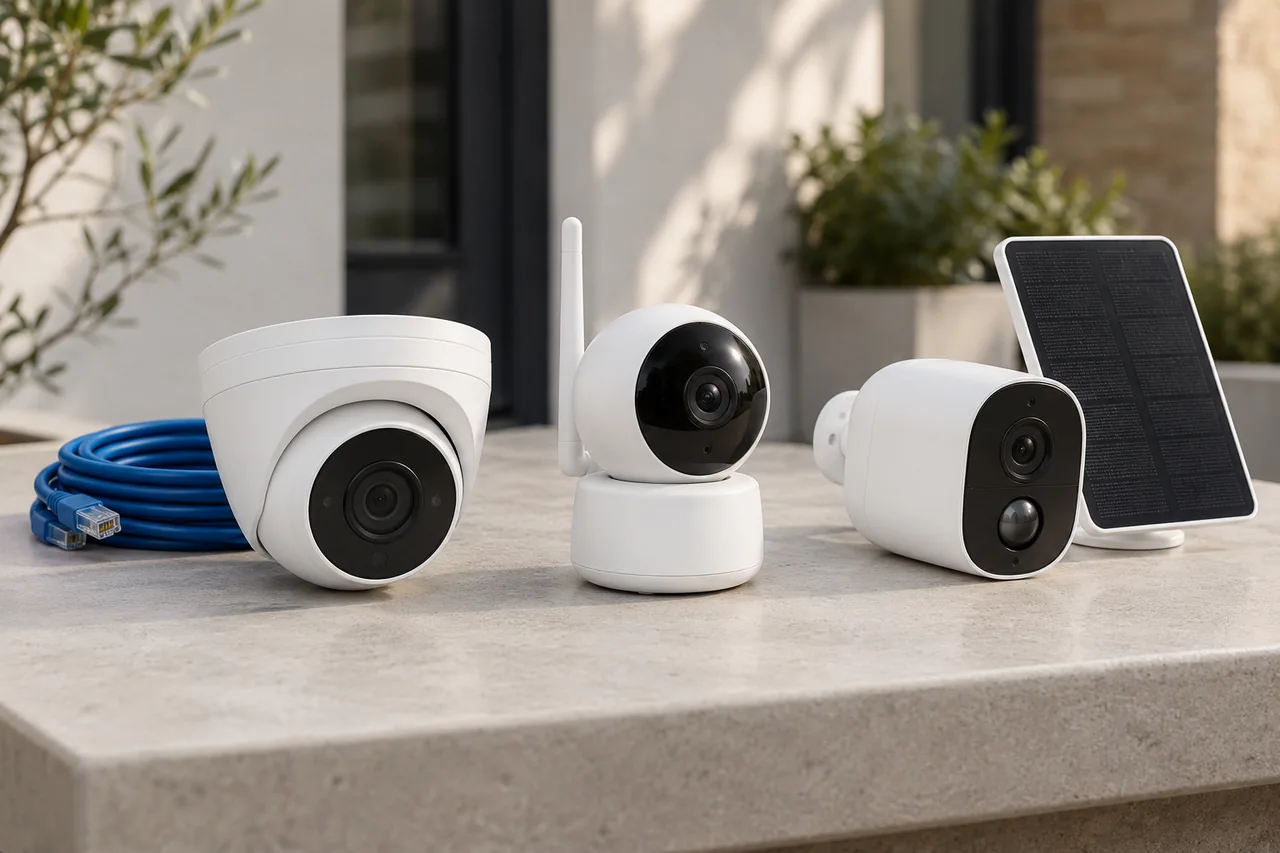
For a permanent installation, wired CCTV is often a practical starting point where cable routes are available. Wireless or solar equipment can solve particular access problems, but check power, signal, recording behaviour and maintenance before choosing it.
Wireless does not always mean cable-free
There are two separate questions: how does the camera receive power, and how does its video reach the recorder or viewing device? A Wi-Fi camera may still need a power cable. A battery camera may use Wi-Fi or a mobile connection. A solar panel usually charges a battery; it is not the video connection.
A compatible Power over Ethernet camera can receive power and send data through one network cable. The recorder, network equipment and camera power arrangements still need to be designed together. “Wired” is not a promise of uninterrupted operation during a power cut.
Match the connection to the location
| Approach | Where it can fit | What to check |
|---|---|---|
| Wired | Permanent cameras where a suitable cable route is available. | Route, cable condition, power provision, weather protection and recorder compatibility. |
| Wi-Fi | A position with adequate signal and a suitable power arrangement. | Signal at the actual mounting position, network congestion and the recording destination. |
| Battery / solar | A location where fixed power or cabling is difficult. | Seasonal charging, battery access, activity levels, data connection and recording mode. |
For an outbuilding, do not assume the Wi-Fi that works inside the house will work through an external wall at the proposed camera position. Check the connection where the equipment will actually be fitted.
Check what “recording” actually means
Continuous recording keeps a timeline even when no event is detected. Event recording saves clips when its detection rules trigger. For a camera looking at a quiet shed, clips may be useful; for understanding how an incident developed, gaps between clips may matter.
Battery cameras do not all behave alike. Reolink’s model compatibility guidance shows that some battery models support continuous recording and others do not. Adding solar charging does not by itself change the camera’s recording capability.
Ask about pre-event capture, clip limits, what happens if the network drops and where footage is stored. Check these against the exact model, rather than relying on a general product category.
Plan for the less convenient days
A solar camera needs a suitable panel position as well as a suitable camera view. Shade, shorter days, weather, frequent detections and power-hungry settings can all influence the charging balance. The sunniest panel position may be different from the best camera position.
Discuss how the camera will be reached if it needs charging, cleaning or battery attention. A device installed high above a narrow passage may be easy to fit once but awkward to maintain. Mobile-connected cameras may also need an ongoing data plan.
For any option, agree what should happen during loss of power, internet or the link to storage. Local recording and remote phone viewing can have different dependencies.
Choose for the job, not the label
- Decide the view and the kind of recording you need.
- Check routes for cable and fixed power before ruling them out.
- Test signal and assess charging conditions for a wireless or solar proposal.
- Compare storage, upkeep and ongoing costs alongside the initial work.
- Confirm the limitations at handover and practise finding a recording.
A mixed design can be appropriate: wired cameras on the main building and a separately assessed option elsewhere. Our CCTV installation service starts with those requirements before choosing equipment.
Discuss your own property. WESEC is based in Aylesbury and covers surrounding areas, including Milton Keynes and Tring, subject to postcode confirmation. Check our service areas.