How to save CCTV footage after an incident
Find the right period, export the relevant views and verify that the saved files actually play.
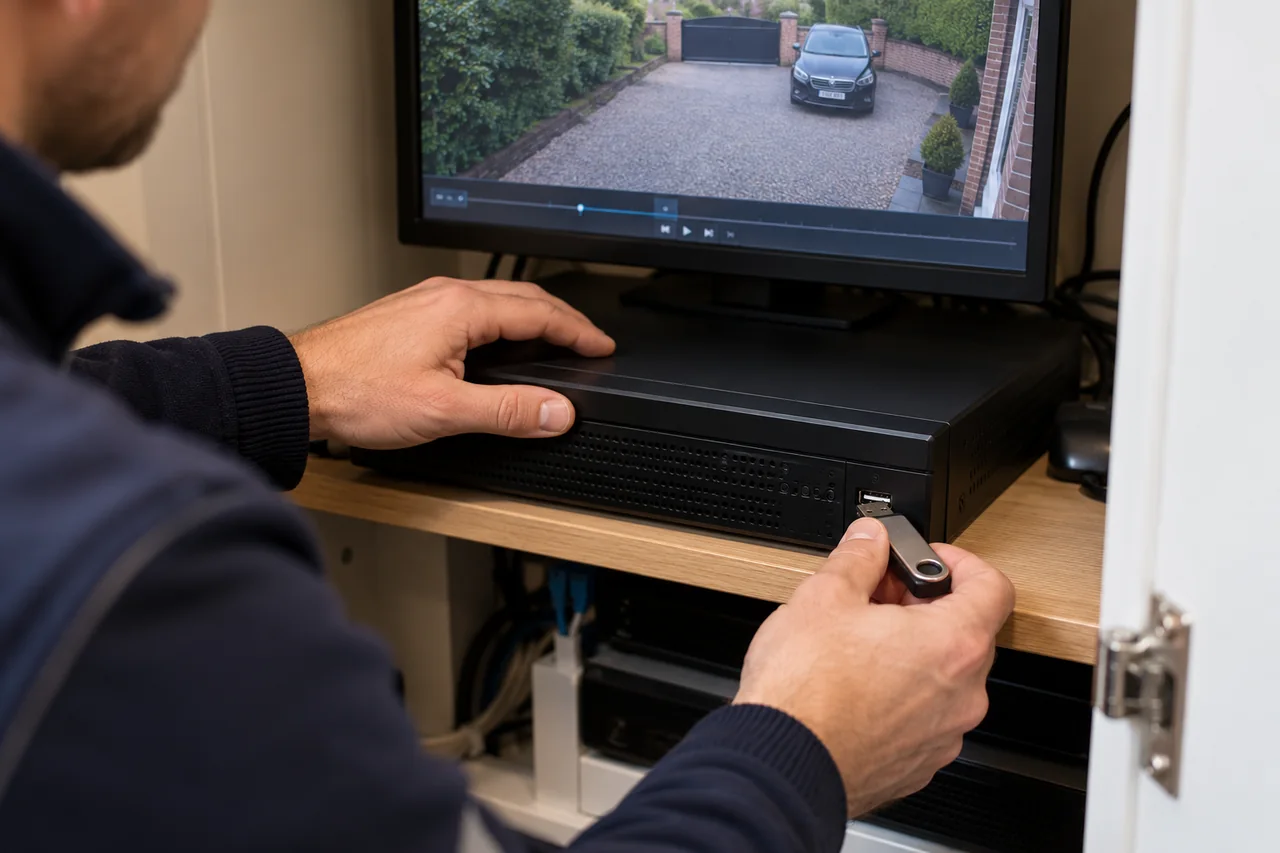
Locate the relevant cameras and time, include useful footage before and after the event, export using the system’s supported method and test the saved copy on a separate device. Act promptly because normal overwrite settings may replace older recordings.
Find the correct time and views
Write down the approximate real-world incident time and compare it with the recorder’s displayed time. Check the date, time zone and any clock difference. Keep a note of the discrepancy; do not change the clock while trying to establish the recorded sequence.
Review all useful views, including the approach and departure. Start before the obvious event and finish after it so that the copy retains context. If someone else will review the material, ask which period and cameras they need.
Use normal playback to find the sequence
Open playback for the correct camera and date, then narrow the time window. Check whether filters are hiding continuous footage or showing only selected events. An alert list is not always the complete record.
If the expected footage is absent, verify the camera selection, clock and recording schedule before concluding that it has been deleted. A working live image does not prove that historical recordings exist.
Export using the supported method
- Select the camera or cameras and the start and end times.
- Choose the system’s clip-export or backup function and a suitable destination with enough free space.
- Keep the original export format where available; include the manufacturer’s playback utility if required.
- Wait for completion and follow the device’s instructions before removing storage.
Hikvision’s playback and backup guide (PDF) illustrates one recorder workflow. Exact controls vary, so follow the guide for your model rather than assuming the same button names apply.
Check the copy, not just the success message
Open the saved files on a separate device. Confirm the camera views, timestamps, start and end of the sequence, and that the full clip plays. A file appearing on a USB drive is not enough on its own.
Retain an untouched original export and a separate working copy if you need to review or share it. A phone recording of the monitor can help explain a situation, but should not replace a proper export when the system supports one.
Preserve access without disrupting recording
Most recorders have configurable overwrite behaviour. Available retention depends on capacity, settings and activity, so avoid relying on an assumed number of days. Do not format a disk or reset the recorder while trying to recover an incident.
Keep copies secure and share them through an appropriate agreed route. The ICO’s home CCTV guidance explains responsibilities where recordings extend beyond a domestic boundary.
If you cannot locate or export important footage, request support promptly. We need the model, approximate incident time and what playback still shows; a successful recovery cannot be assumed.
Discuss your own property. WESEC is based in Aylesbury and covers surrounding areas, including Milton Keynes and Tring, subject to postcode confirmation. Check our service areas.