Why does my CCTV miss the start of an incident?
Check event recording, detection coverage, pre-recording and the difference between a short notification clip and stored footage.
An event recording may begin only after detection has triggered. Detection position, sensitivity, schedules, camera wake-up behaviour and pre-recording support all affect what is captured. Check the recorder’s full playback timeline before assuming the app’s short clip is everything available.
Check the full recording before the notification clip
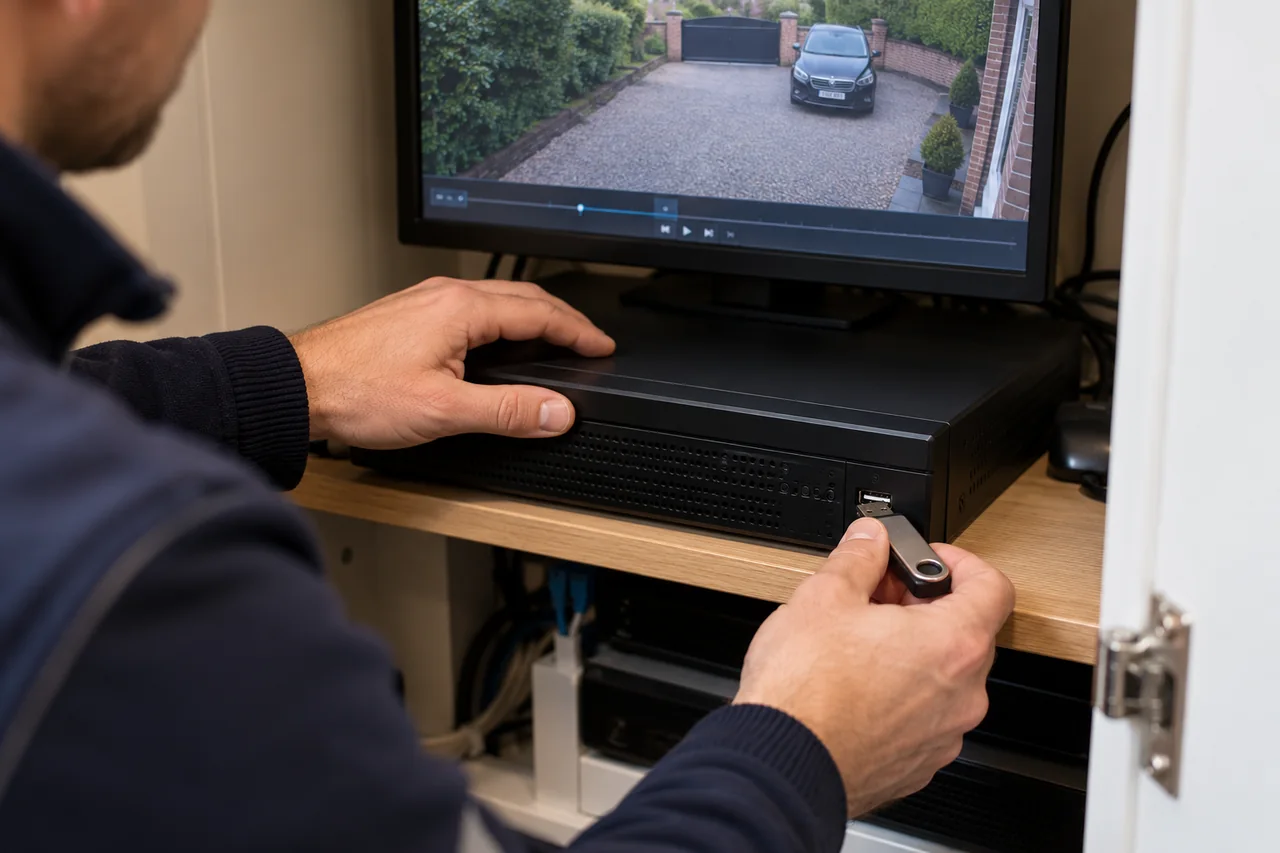
A notification clip and the recorder’s stored timeline may be different things. An app can show a short event excerpt even while a separate recorder is saving continuously. Look at the appropriate camera, date and time in normal playback, with enough time before the alert.
Confirm the recorder’s clock and any difference from the actual time. If several cameras cover the approach, check those too. An earlier view may show the start even when the nearest camera triggers later.
Understand continuous and event recording
Continuous recording saves a timeline throughout its configured schedule. Event recording saves when the system’s event conditions are met. Some systems can combine modes or use different schedules on different channels.
Neither a person-detection feature nor a phone notification proves that a channel is configured to record the way you expect. Check the recording schedule, event-to-recording link and storage status for the affected camera. Existing footage cannot be created retrospectively by changing a setting.
Look at where detection begins
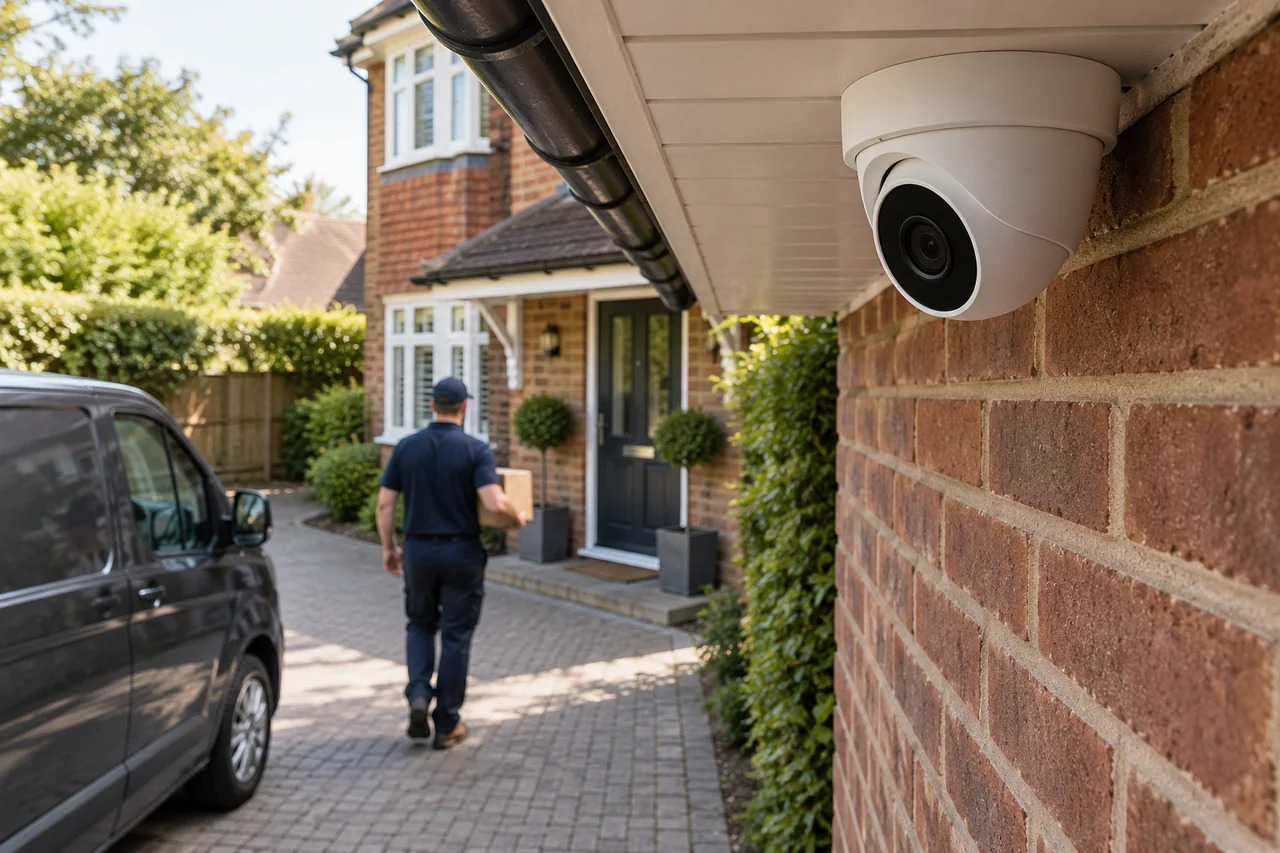
A detection area that starts at the front door may trigger after someone has already crossed the driveway. Obstacles, the angle of movement, object size settings and event filters can also influence when a detection is accepted.
Very strict filters may reduce nuisance alerts but exclude activity you care about. Very broad settings can produce too many events. Test the real approach route at a walking pace and review the resulting recording, rather than judging the system only from the live picture.
What can pre-recording do?
On compatible systems, a pre-record buffer can include video from before a detected event, while post-recording can continue after it. Hikvision describes these functions in its recording configuration documentation. Availability and duration depend on the camera, storage arrangement and software.
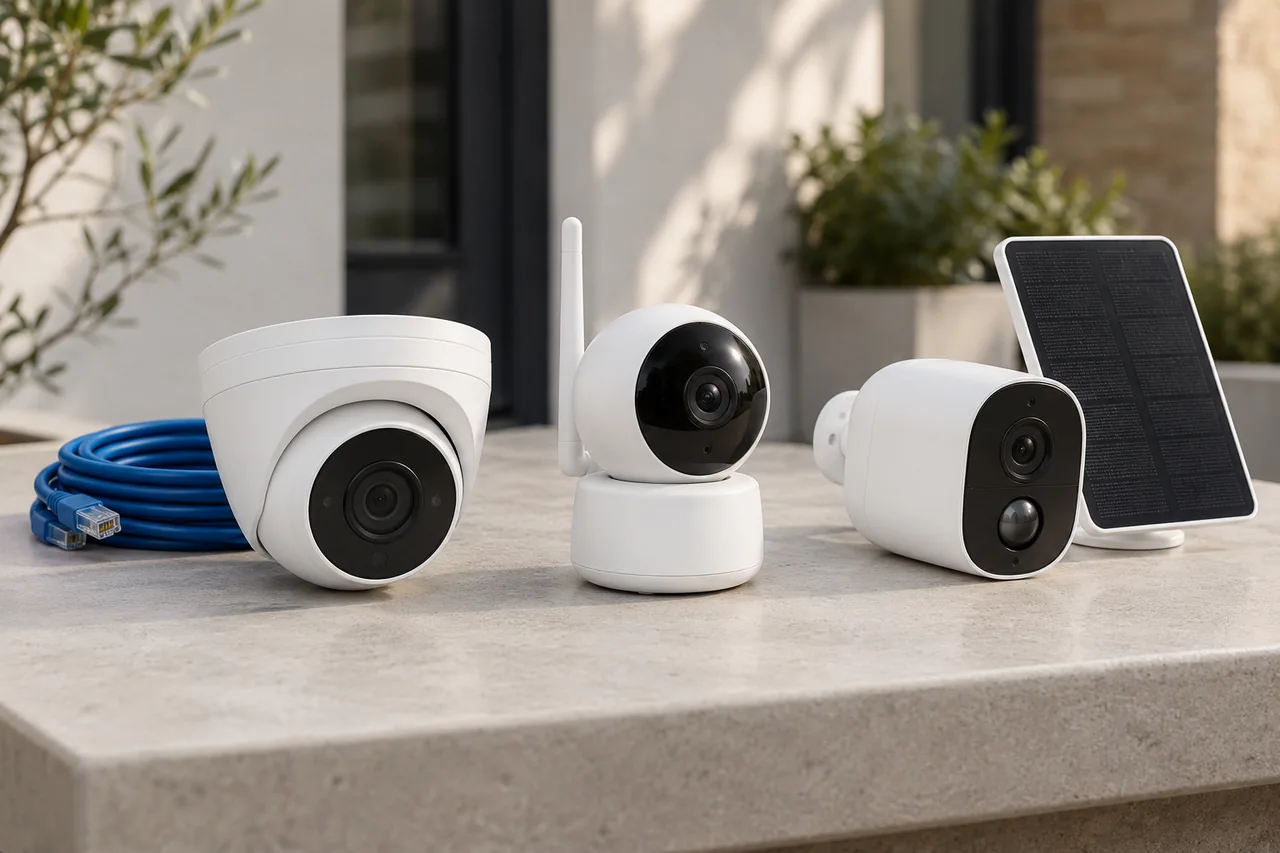
Battery camera behaviour can differ from a permanently powered recording system. Do not assume that adding solar charging provides continuous recording or a pre-event buffer. Check the exact model’s capabilities and the selected operating mode.
Test a complete incident sequence
Agree what should be recorded: approaching the property, reaching a door and leaving afterwards. Run a controlled test, then check the saved footage and exported copy. Repeat in the conditions that matter, including darkness where relevant.
If the system cannot deliver the required sequence, the solution may involve settings, a different view or a different recording approach. Arrange a recording assessment, or read the comparison of wired, wireless and solar CCTV before planning changes.
Discuss your own property. WESEC is based in Aylesbury and covers surrounding areas, including Milton Keynes and Tring, subject to postcode confirmation. Check our service areas.