My cameras work on the monitor but not my phone
Understand why a working local picture does not prove remote access is healthy, and which checks help narrow the problem.
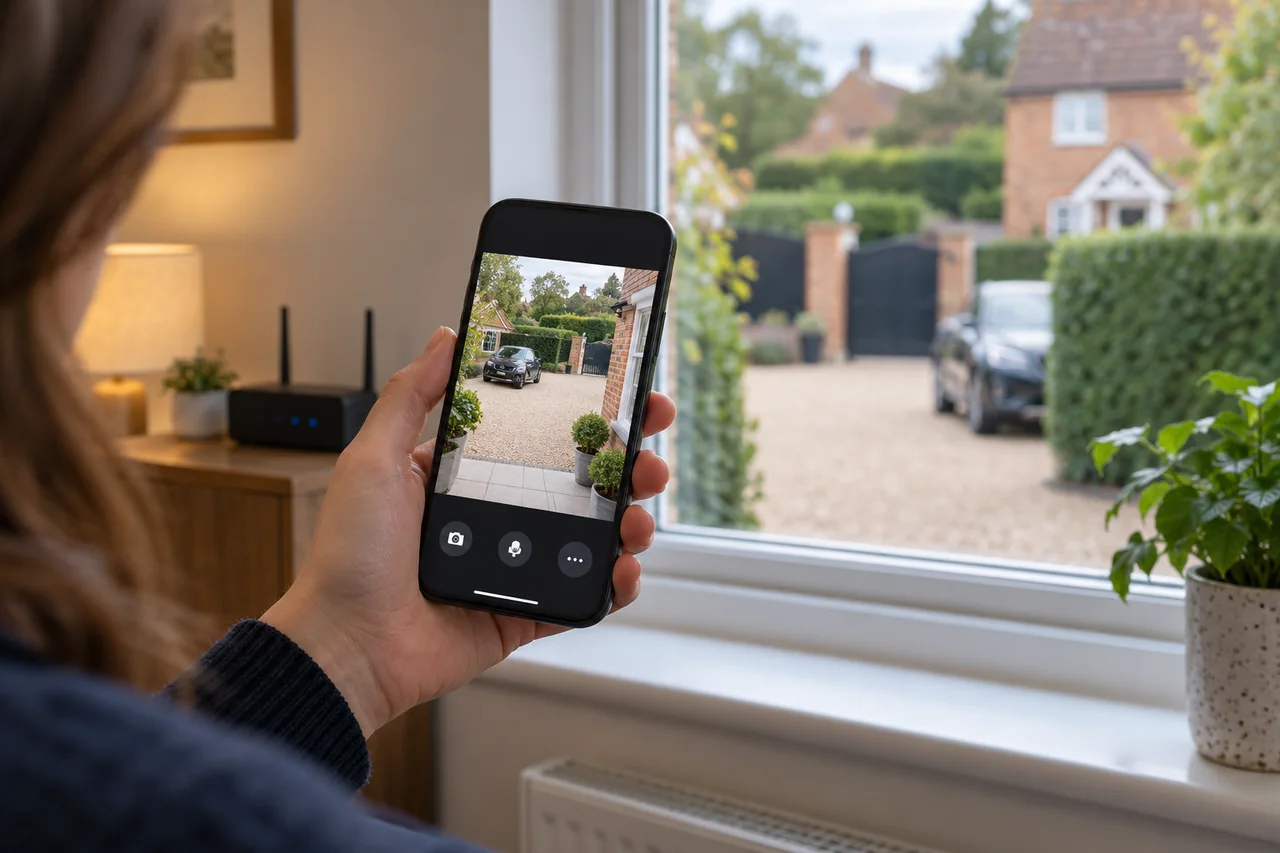
The monitor and phone can use different connections. A local monitor may show cameras through the recorder even when its internet connection, remote service or app access is unavailable. Start by checking whether recordings still play back locally, then investigate the remote connection.
Separate the camera system from the phone connection
A monitor connected to a recorder displays the system locally. Your phone may connect through the home network, a manufacturer’s remote platform or another configured route. One can work while the other fails.
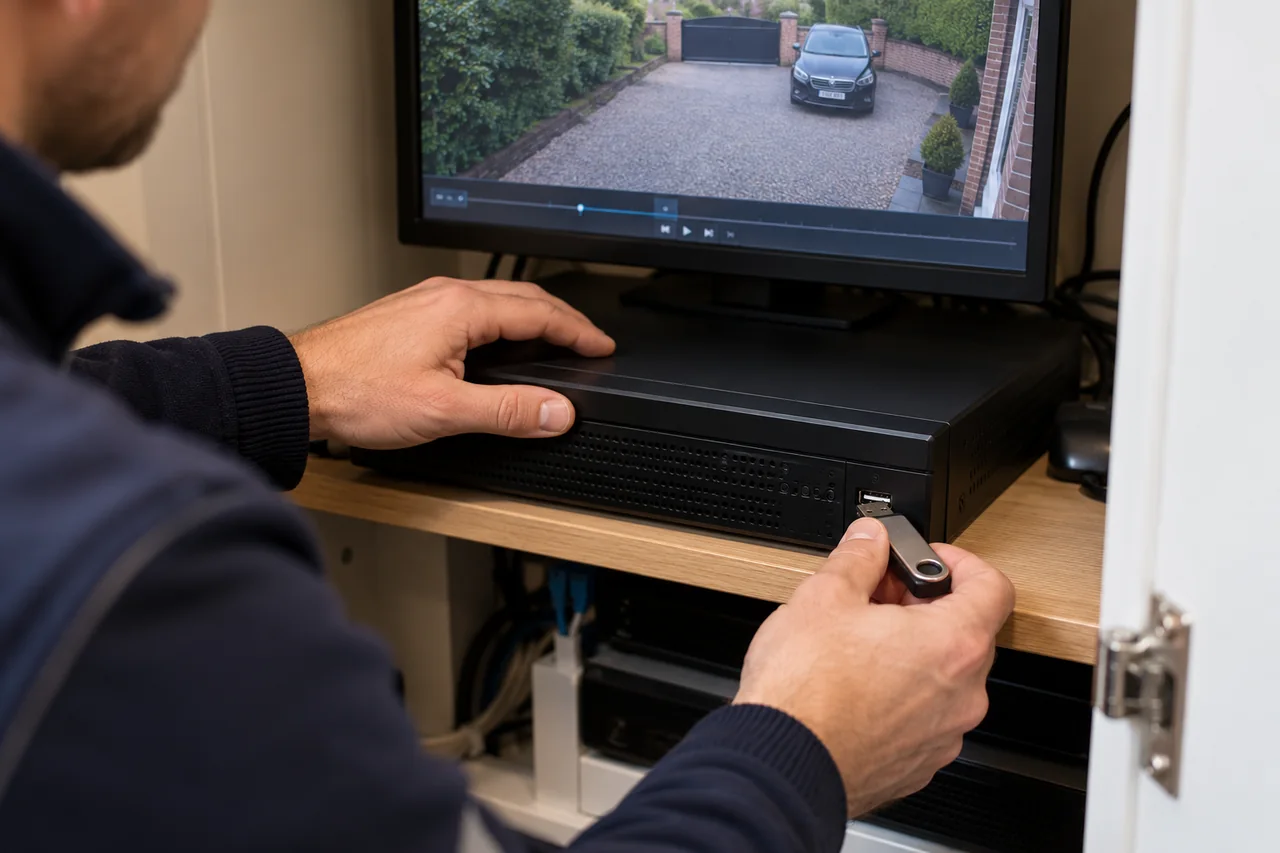
First establish what still works: live images, playback of yesterday’s footage and playback from today. A live picture alone does not confirm that recordings are being saved. If playback is healthy, the problem may be limited to remote access; if recordings are also missing, report both symptoms.
Ask what changed before the fault
Recent broadband, router, phone or account changes are useful clues. A replacement router can leave a recorder disconnected or using network settings that no longer fit. A new phone may not have the same account or permissions as the old one.
- Check whether other devices have internet access.
- Check that the recorder’s normal network cable is still connected and undamaged where visible.
- Note whether the app says offline, wrong password, no permission or playback unavailable.
- Confirm that you are using the expected app and your own authorised account.
Record the exact message instead of trying several unrelated setting changes. Do not include passwords, verification codes or device QR codes in public screenshots.
Does it work on Wi-Fi but fail away from home?
Where you normally have coverage, compare the app on home Wi-Fi with the same app on mobile data. If it works only on home Wi-Fi, it may be using a local connection, or there may be a remote-access or mobile-data issue. If only mobile data works, investigate the home network or phone permissions.
This comparison is a clue, not a complete diagnosis. A weak upload connection, an app permission or a remote service issue can look similar. Hikvision’s platform-access troubleshooting guidance illustrates the network dependencies for supported Hik-Connect equipment; menu names vary by device.
Keep a working system intact
Do not factory-reset the recorder or remove it from its owner account just to clear an offline message. That can create a separate ownership or configuration problem. Equally, opening router ports or disabling security settings is not a sensible general fix.
Keep the useful recordings and existing settings in place while the cause is established. If an ownership change is involved, arrange an authorised transfer rather than relying on the previous owner’s login.
What to send when requesting support
Send the recorder model if visible, the app name, the exact error, whether local playback works and what recently changed. Tell us whether the problem affects one phone or everyone’s phones, and whether it differs between Wi-Fi and mobile data.
WESEC servicing can assess the recorder, network connection and supported remote access. If important footage is still available locally, see how to export and check a saved copy rather than waiting for phone access to return.
Discuss your own property. WESEC is based in Aylesbury and covers surrounding areas, including Milton Keynes and Tring, subject to postcode confirmation. Check our service areas.