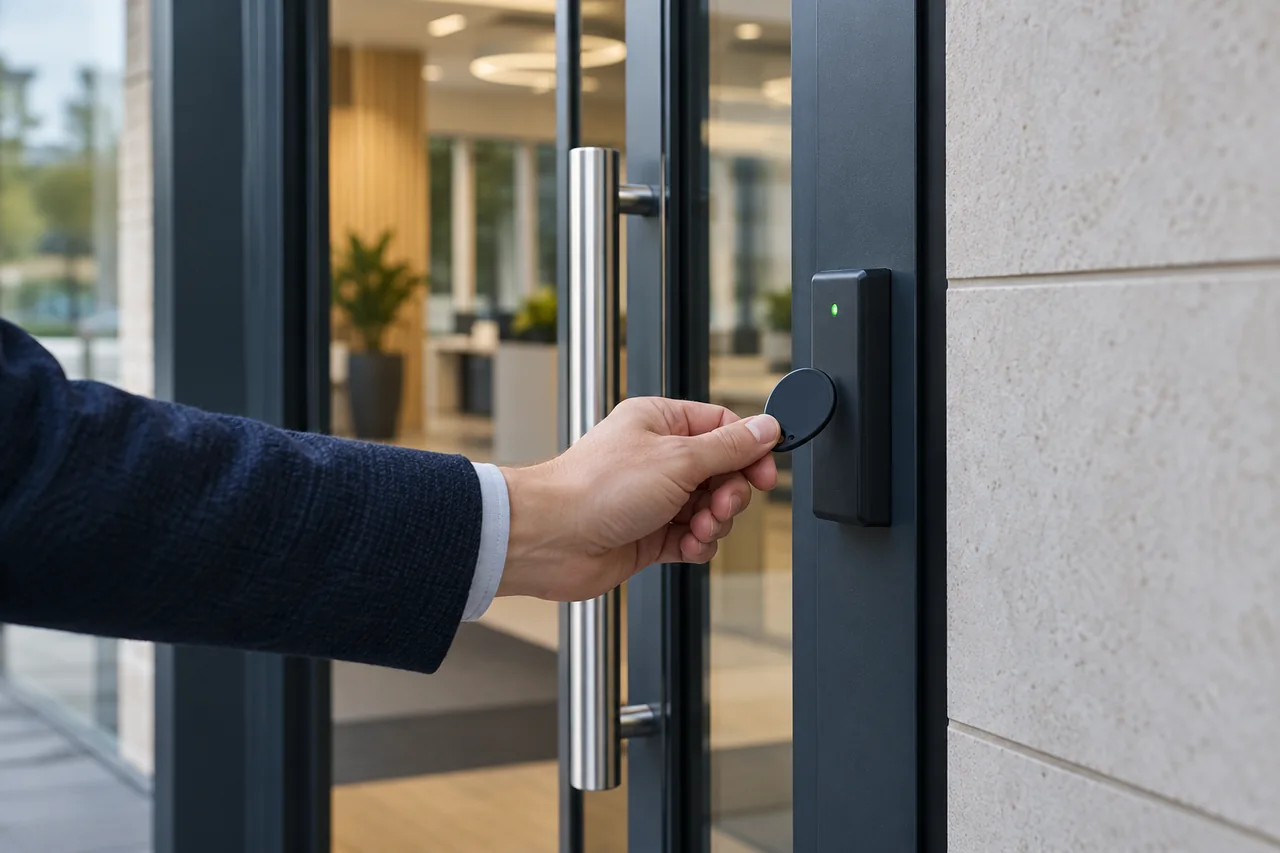
What should a business do when an access fob is lost?
Deal with a missing access fob, cancel the right credential, issue a controlled replacement and check that access changes have reached the relevant doors.
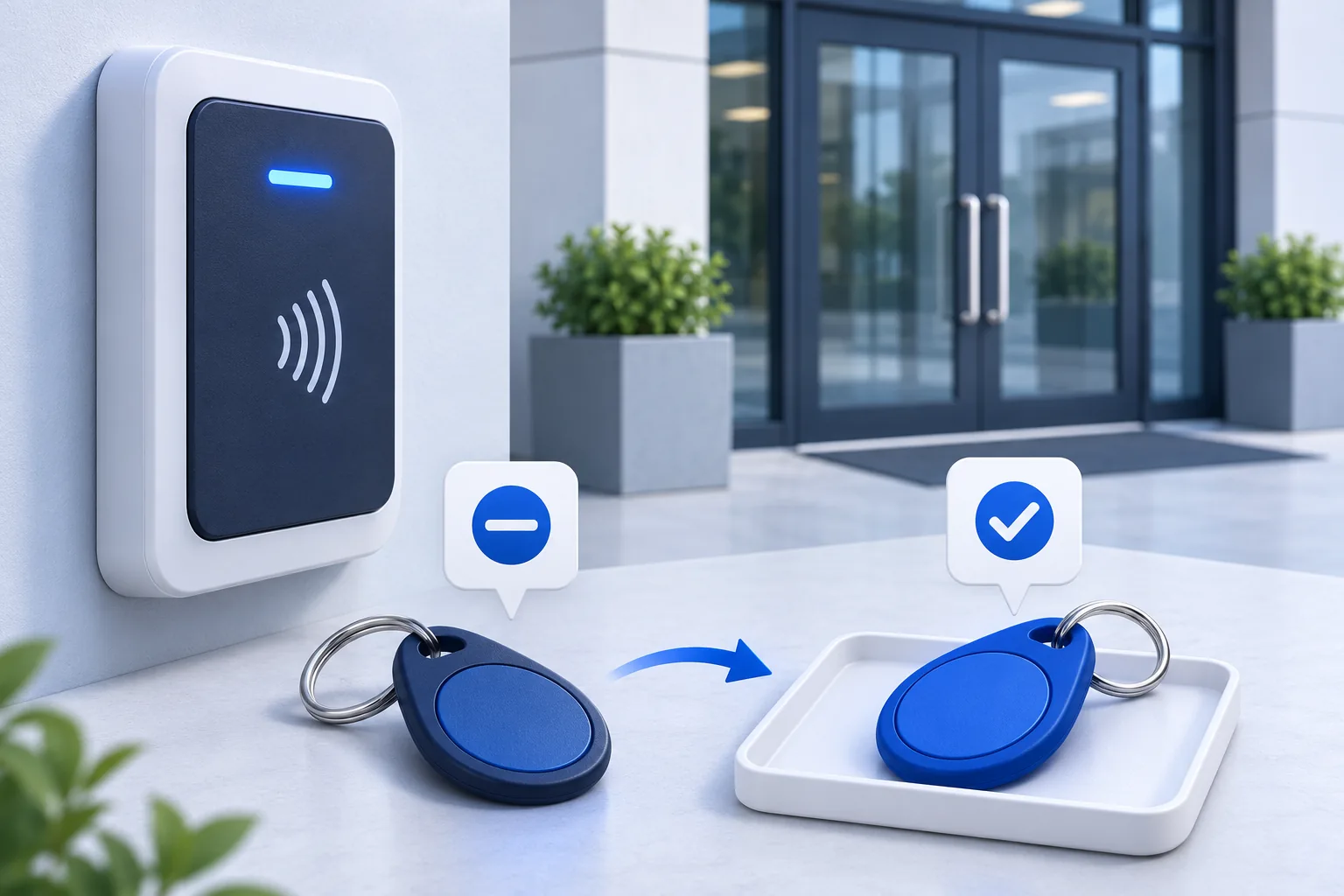
Report the missing fob promptly to the authorised system administrator and revoke that credential using the supported process. Issuing a replacement alone does not cancel the old one. Confirm which doors and systems are affected, then record the change and test the replacement’s permissions.
Report the loss and identify the credential
Tell the person responsible for access control as soon as a fob or card is missing. Record the user, the last known use and whether other items such as physical keys were lost too. An electronic credential change does not address a missing mechanical key.
The administrator needs to identify the correct credential record. A person may have more than one fob, a card and a mobile credential, so do not assume disabling the entire person is always the right response. Follow the organisation’s process and the equipment’s supported method.
If the loss is associated with suspected theft or unauthorised entry, use the site’s incident procedure alongside the access-control response.
Cancel the old credential as well as issuing a new one
Enrolling a new fob does not, by itself, invalidate the missing credential. The old one needs to be barred, marked lost, deleted or otherwise revoked using the method appropriate to the system.
Paxton’s Net2 guidance (PDF) distinguishes marking a token as lost from deleting it. That distinction affects records and possible later reuse. Use the instructions for the installed product and retain the audit information your organisation needs.
Some standalone systems use an associated shadow card or another local administration method. Paxton’s standalone Entry guidance (PDF) is one example where action at the relevant panels matters. Do not assume changing one reader updates an entire site.
Check the scope of the change
Questions for the administrator
- Which buildings, doors, gates or other systems accepted this credential?
- Has the change reached the relevant controllers or readers?
- Are any devices offline or managed separately?
- Was the fob individually recorded, or were credentials shared?
- Does another provider or managing agent need to take action?
A software confirmation is not always the complete picture. Check the supported update and verification process, particularly where equipment is offline or independently managed. Do not promise that the missing fob is blocked everywhere until the relevant systems have been addressed.
Issue a replacement with the right permissions
Confirm the recipient’s identity through the normal workplace process. Select the doors and schedules needed for their role, rather than copying unnecessarily broad access. Record the replacement credential against the correct person and test permitted and denied access as appropriate.
If a temporary visitor credential is used, agree when it will expire or be returned and who will cancel it. Avoid an unrecorded shared spare that remains active indefinitely.
Keep door operation separate from credential administration. If a reader accepts a credential but the door does not secure reliably, that needs its own investigation; see why a door can stay unlocked even when the reader works.
What if the original fob turns up?
Return it to the administrator. Do not assume it should be reactivated. Decide whether to retain it barred, retire it or restore it under the supported process and organisational policy, then keep the records consistent with that decision.
The incident is also a useful time to review how fobs are issued and returned. Maintain a named register, a prompt leaver process and a controlled route for reporting losses. Review spare and visitor credentials so the next loss can be dealt with confidently.
Our small-business access-control guide explains the wider system. WESEC can discuss support for existing access control or an access-control installation. Keep administrator passwords and credential numbers out of the initial enquiry.
Discuss your own property. WESEC is based in Aylesbury and covers surrounding areas, including Milton Keynes and Tring, subject to postcode confirmation. Check our service areas.