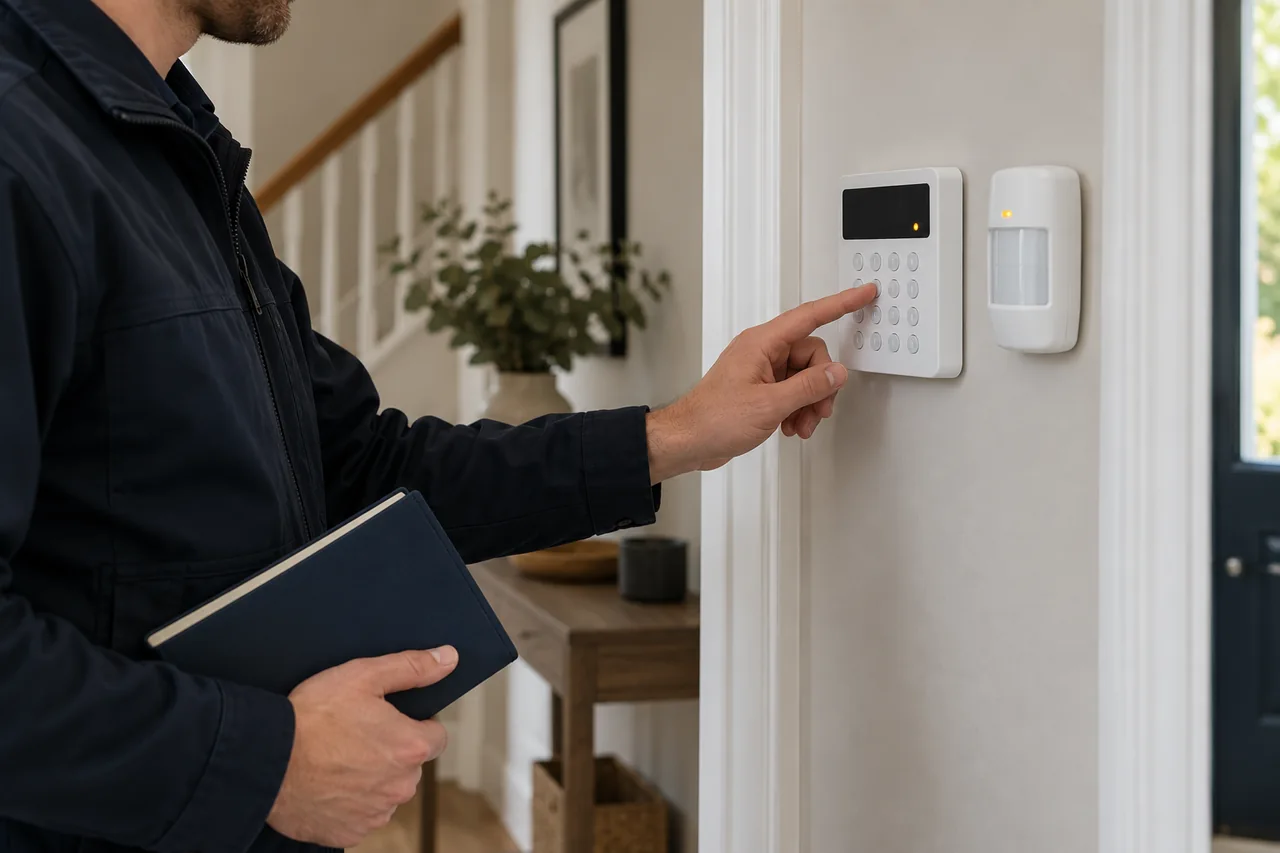
Can a burglar alarm engineer code be reset?
Understand the difference between a forgotten user code, an unknown engineer code and an engineer-reset message, plus the next steps for restoring authorised support.
Sometimes, but the available recovery or reprogramming options depend on the exact alarm and how it is configured. First establish whether you have forgotten an everyday user code, need engineer access, or are seeing an engineer-reset message. These are three different issues.
Which code or reset do you mean?
User or master code
A user code normally sets and unsets the alarm within its assigned permissions. A master user may also manage users or other permitted functions.
Your next stepIf it is forgotten, seek the approved user-code recovery or reprogramming route for your model.
Engineer code
Provides access to engineering functions, such as configuration and servicing, according to the panel and its programming.
Your next stepIf it is unknown, arrange an authorised assessment of engineer access and the installed configuration.
Engineer reset required
Means the alarm needs an engineer or supported restore process after an event. It is not a request to choose a new engineer password.
Your next stepNote the exact display and contact the service provider; for monitored systems, follow the provider’s instructions.
An alarm app login is another separate credential. Regaining access to an app does not necessarily change keypad codes or transfer engineering access.
If you have forgotten the user code
Start with the user guide for the exact model and any existing service records. If another authorised master user can manage accounts, ask the provider which user-management functions are available on your installation.
If no authorised user can access the required functions, arrange support. Avoid trying lists of guessed codes: repeated incorrect entries can cause lockouts or other responses, depending on the panel.
For example, Texecom’s property-owner guidance directs owners who do not know their user code to their installer for reprogramming. That is a user-code issue, rather than proof that the engineer code needs changing.
If the engineer code is unknown
You may still be able to use the alarm normally while service or configuration access is unavailable. Tell the engineer what works now and what you need changed, rather than requesting a factory reset as the starting point.
The assessment should identify the control panel, available records, current access arrangements and supported recovery options. Depending on the equipment, work may involve an authorised handover, a supported recovery method or reprogramming followed by testing. Some access protections or support limitations can affect what is possible.
An unknown engineer code alone does not establish that every detector, sounder or cable must be replaced. Equally, preserving all settings or recovering every system cannot be promised before assessment.
If the display says “engineer reset required”
This usually concerns restoring the system after a particular event, rather than recovering a forgotten password. The triggering conditions and restore process depend on the installation’s programming.
A valid user code may silence an alarm while an engineer-reset condition remains. On installations configured this way, further setting may be prevented until the required restore has been completed. Note the exact message, the preceding event and any fault indications, then contact the service provider. If monitored, use the agreed alarm-company or receiving-centre procedure.
The Texecom Premier Elite user guide (PDF) distinguishes user, engineer and anti-code resets. Its procedure is specific to that equipment. A reset acknowledgement also does not repair an underlying fault.
Will a factory default solve it?
A factory default is different from changing a code or clearing an event. Depending on the panel and the type of default, it may remove configuration that needs to be recorded, restored or programmed again.
Before agreeing to this work, ask what can be preserved, what could be lost and what recommissioning is included. Zone descriptions, detector behaviour, entry/exit arrangements, outputs and communication settings may all need review.
Do not disconnect supplies or open the enclosure simply to try a reset. This can introduce tamper or power faults without resolving the access problem. Arrange a supported plan for the exact equipment.
Can another company take over the alarm?
Another competent provider can assess an inherited installation, even when the original installer is unavailable. Access recovery, ongoing support and compatibility still need confirming; a takeover is more than obtaining a code.
WESEC can discuss an alarm takeover assessment and explain what can be supported before recommending repairs or changes. Where an existing monitoring or service arrangement applies, coordinate the handover with the relevant provider.
If you have recently moved in, read what to check on an inherited burglar alarm, including who still has authorised access.
What to tell us before a visit
- Your postcode and whether you are the owner or authorised person arranging the work.
- The brand and model, if visible without opening equipment; a clear keypad photo can help, although it may not identify the control panel.
- The exact displayed message and what happened before it appeared.
- Whether normal setting and unsetting still work.
- Any installer details, user instructions, service history and monitoring arrangements you have.
Keep PINs, passwords and app credentials out of the initial enquiry and any photographs. We can first establish the system and the type of help required.
What should be checked after recovery or reprogramming?
Agree the scope before work starts and test the functions affected by the change. A useful handover includes:
- Authorised users can set, unset and use the agreed part-setting arrangements.
- Relevant detectors, zone descriptions, entry/exit behaviour and sounders are checked.
- Faults are addressed or clearly recorded, with any remaining limitations explained.
- App access and monitored signalling are checked where applicable, coordinated with the provider.
- User instructions, service contact details and updated records are supplied.
Keep routine user access separate from service access and arrange ongoing maintenance for the equipment that remains in use. Manufacturer instructions and the agreed installation requirements determine the exact checks.
Discuss your own property. WESEC is based in Aylesbury and covers surrounding areas, including Milton Keynes and Tring, subject to postcode confirmation. Check our service areas.