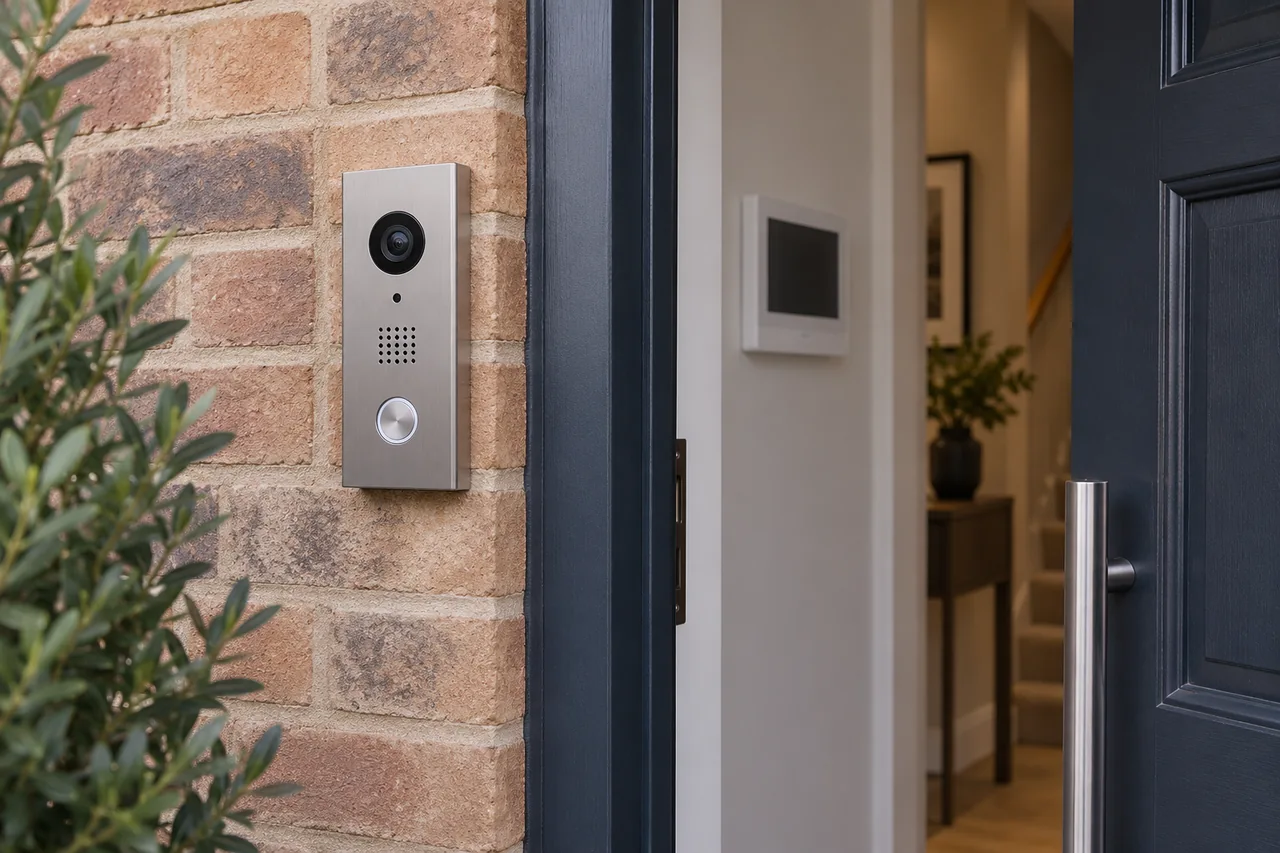
Why does my intercom door release work intermittently?
Separate visitor calling from lock release, then investigate door movement, power, controls and shared-system symptoms.
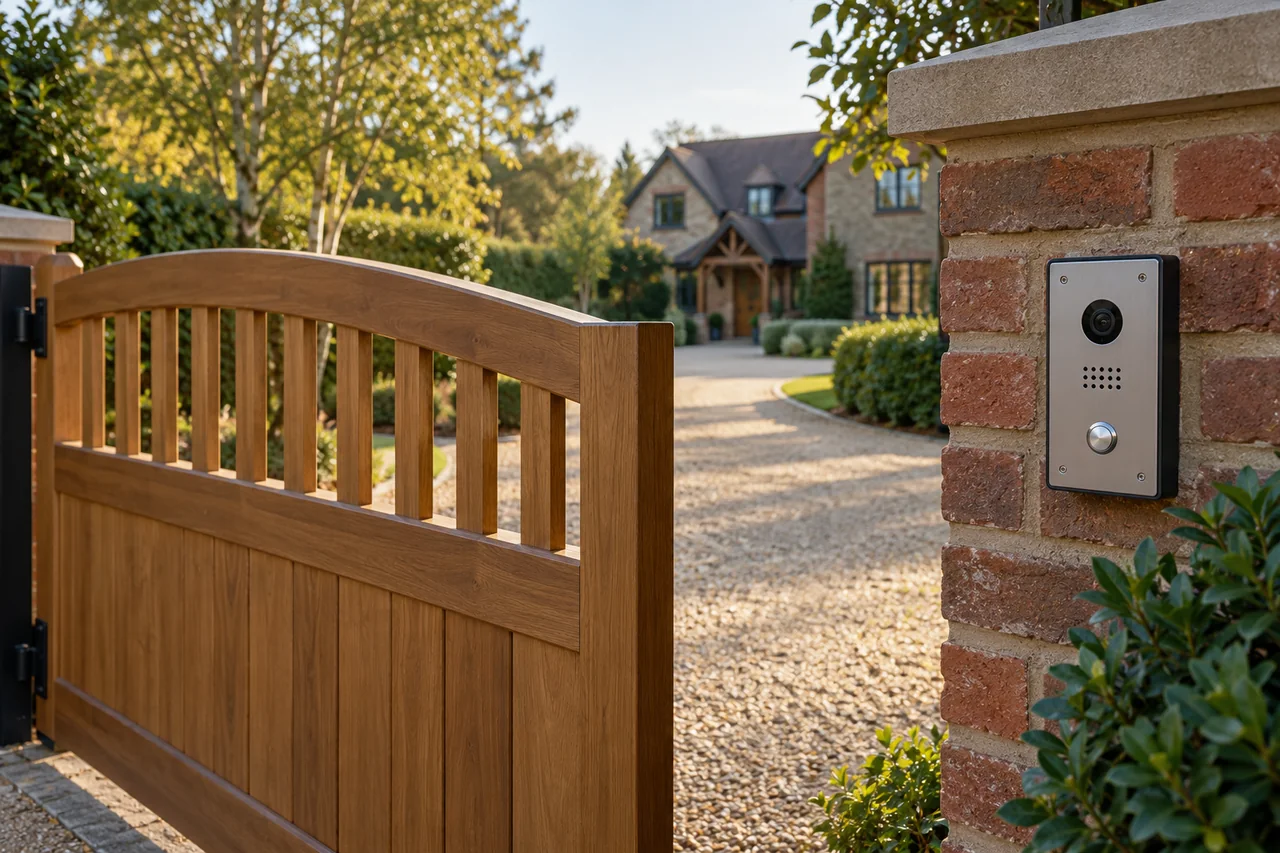
Intermittent release can involve the door and lock, power or connections, or the command reaching the release equipment. Clear intercom audio does not prove that the release path is healthy. Record exactly when it fails and assess the complete entrance.
Calling and unlocking are different functions
The microphone, speaker and video can continue working while the door-release function fails. Conversely, a lock may release even when a handset’s audio is poor. Testing only the conversation misses part of the installation.
Establish whether the failure affects one handset, all residents, one entrance or every way of releasing the same door. These comparisons help narrow the affected part without assuming a particular component has failed.
Watch how the entrance behaves
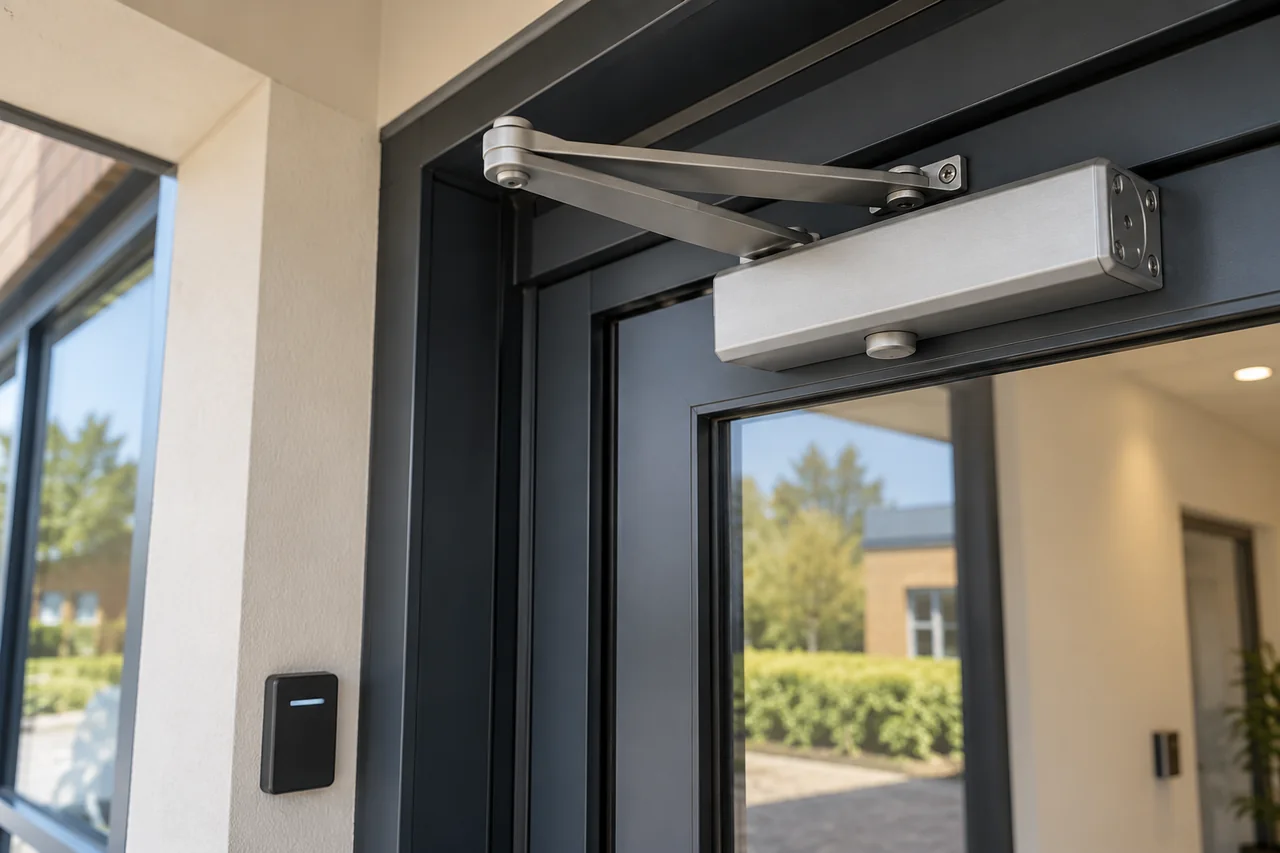
Note whether the door drags, needs pulling to close or releases only when pressure is taken off it. Alignment, latch engagement, closer operation and the condition of the frame can influence how the locking arrangement works.
Wind, heavy use and changes in building movement can make a marginal mechanical problem appear intermittent. Avoid forcing the door or repeatedly holding release in an attempt to overcome it. A mechanical adjustment and an electrical repair are different jobs, and both may need consideration.
Why a power or control check may be needed
The release depends on suitable hardware and the correct power and control arrangement. A poor connection, unsuitable supply or fault in a shared component may require testing while the symptom is present.
Comelit’s system overview (PDF) shows that door entry can involve multiple devices and architectures. A handset is only part of that system, so replacing it without diagnosis may leave an intermittent release fault unchanged.
Check the result after the work
A completed repair should be tested with the door closed, through the relevant handsets or controls, and under normal entry and exit conditions. Ask what was found and whether anything else needs attention.
Send WESEC the postcode, type of building, entrance and handset models if known, and whether the fault affects one or several users. Intercom servicing can establish the next step; an unsupported system may need an upgrade assessment.
Discuss your own property. WESEC is based in Aylesbury and covers surrounding areas, including Milton Keynes and Tring, subject to postcode confirmation. Check our service areas.